Work & Study · Free printable
Free Informational Text Structure Graphic Organizer
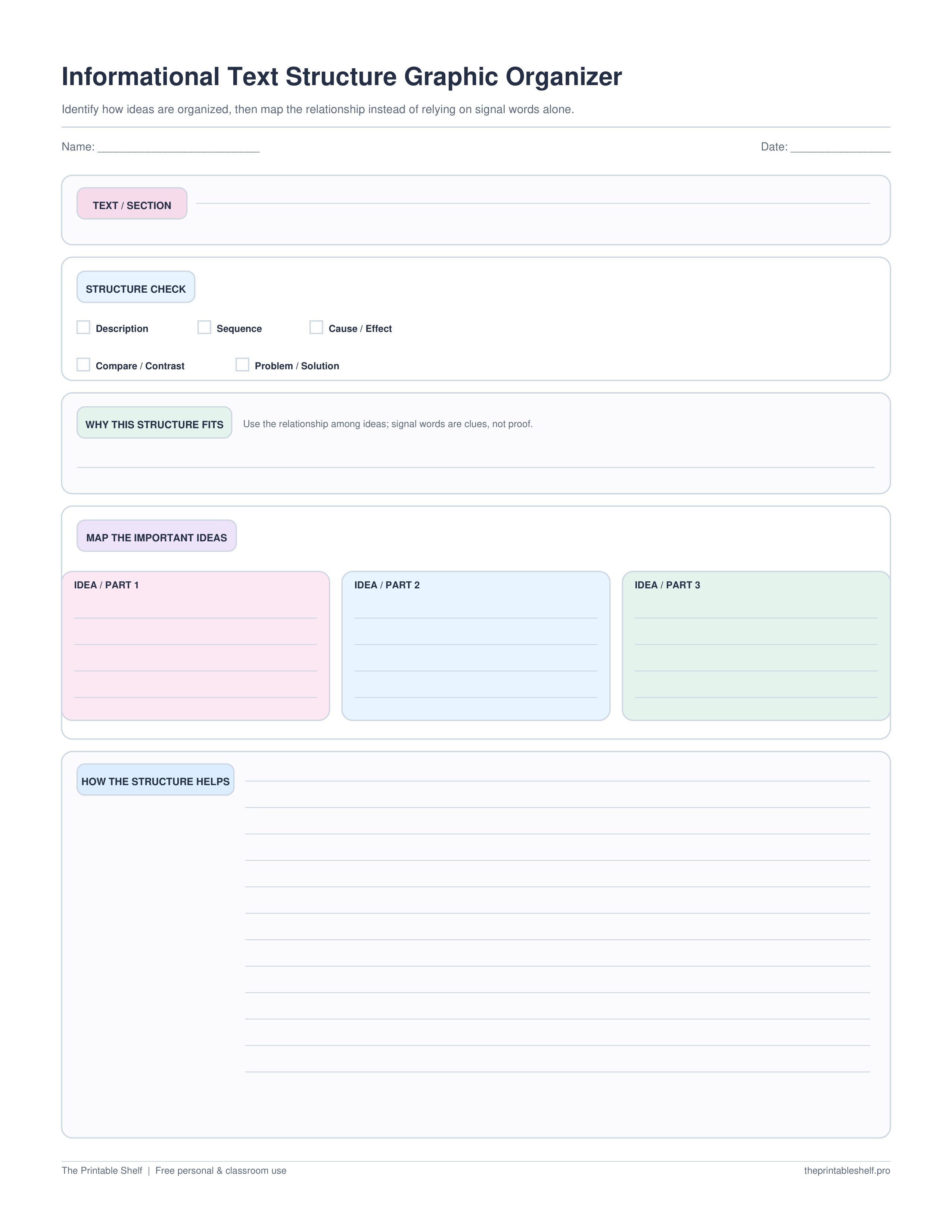
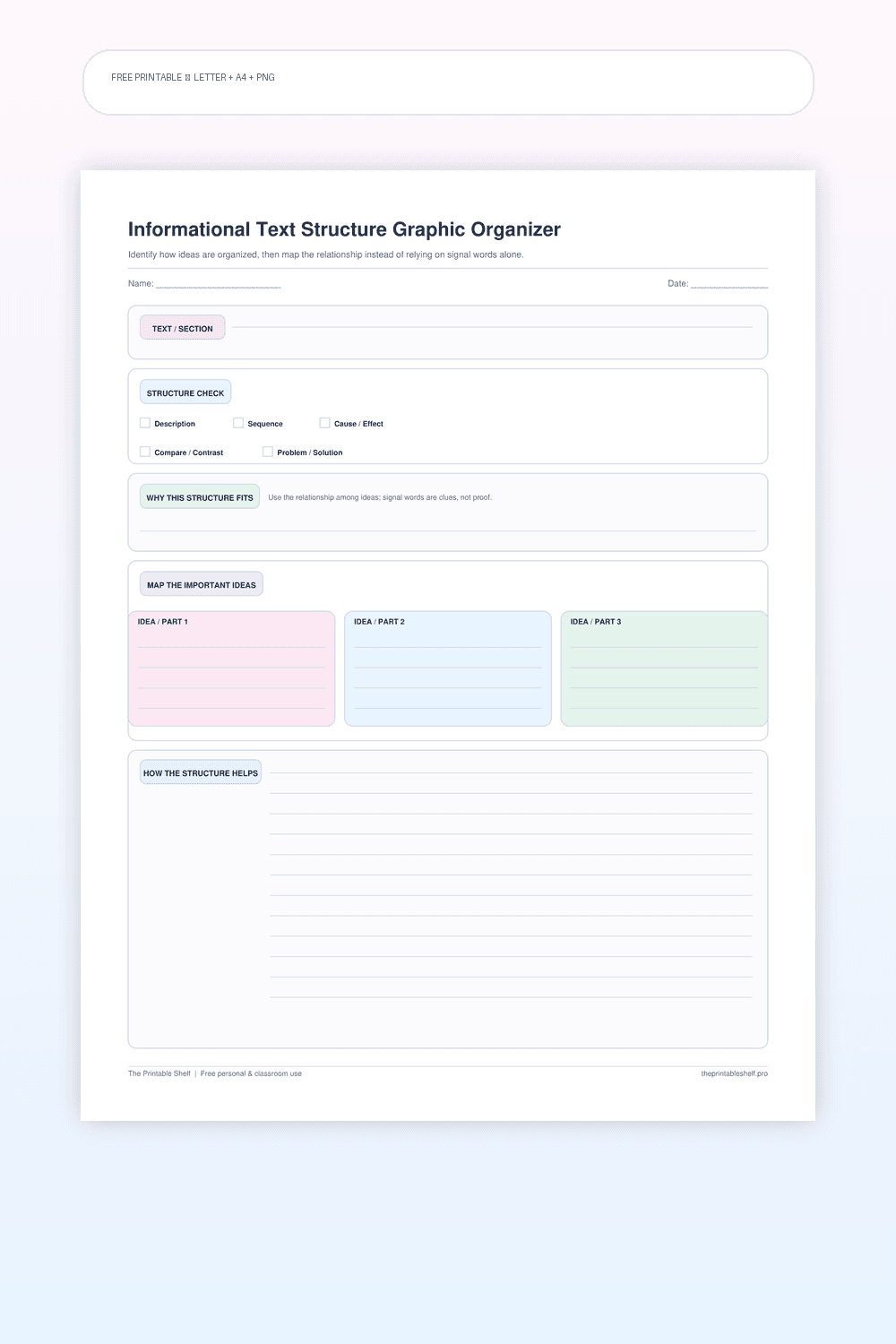
This free informational text structure organizer helps readers identify description, sequence, cause/effect, compare/contrast, or problem/solution by examining how ideas relate. It includes a structure check, evidence box, idea map, and explanation of how the structure supports meaning.
Edited by Tessa Vaughn · Planning & Organization Editor
Free download
Choose your file size
Print at 100% / Actual Size for the cleanest margins. Pick the paper size your printer normally uses.
No sign-up required · personal/classroom use
What this printable is for
A nonfiction reading organizer for recognizing and using common expository text structures. The page includes signal-word clues but emphasizes relationships among ideas, because words such as first, because, or however can appear in passages without determining the structure of the whole section.
How to use it
Write the title or section you are analyzing and read enough of the passage to understand its main ideas. Choose the structure that best describes the relationship the author uses to organize those ideas: description, sequence, cause and effect, compare and contrast, or problem and solution. A long text may use several structures, so work at the paragraph or section level when necessary.
Use signal words as clues rather than proof. Sequence passages may use first or then, cause-and-effect passages may use because or as a result, and compare-and-contrast passages may use both or however. But those words can also appear inside other structures. Confirm the structure by asking what the ideas are doing: listing features, moving through time or steps, explaining causes and results, showing similarities and differences, or presenting a problem and response.
Write why the selected structure fits and cite the relationship you see in the text. Then use the three idea boxes to map the important information according to that structure. For sequence, the boxes may represent stages; for cause and effect, they may represent a cause, event, and result; for compare and contrast, they may represent two subjects and a shared feature.
After mapping, check whether the organizer makes the passage easier to summarize. If the structure choice forces the information into awkward boxes, reconsider the structure or analyze a smaller section. Informational texts can combine structures, and the best analysis may identify a dominant structure plus a secondary structure used for one part.
Finish by explaining how the structure helps the author communicate the information. A sequence can make a process easy to follow; cause and effect can explain why an outcome occurs; comparison can reveal a meaningful distinction. This final step turns text-structure identification into a comprehension strategy rather than a signal-word hunt.
Fill it online
Type directly into this organizer →
Your answers autosave only in this browser. Print or save the filled page as PDF, download a high-resolution PNG, or clear it and start again—no account required.
Customize instead
Need a different title, paper size, or orientation? →
Use the free Graphic Organizer Maker to build a custom Venn, KWL, Frayer, story map, T-chart, main-idea, sequence, or cause-and-effect page.
Also in a free pack
Download this organizer together with related pages when you want one reusable master PDF instead of separate files.
Choose the support level
Blank, guided, example, or fill online
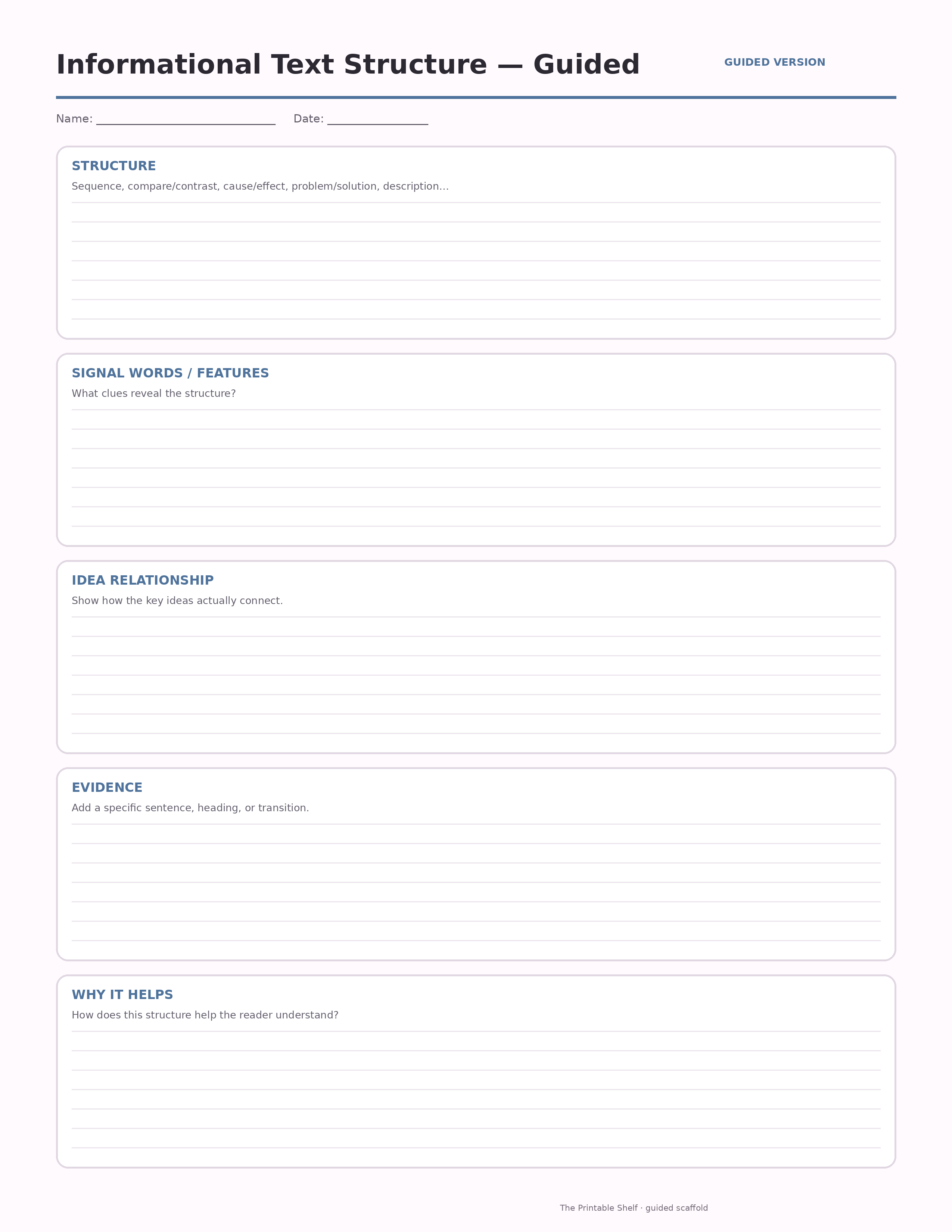
Use the blank page when students already know the routine. Choose the guided version when they need short prompts inside the sections. A completed example is available when this template benefits from modeling, and the online version lets students type before printing.
Blank
Independent use →
The standard printable with open writing space and no embedded hints. Download the Letter PDF.
Guided
Prompted scaffold
A scaffolded version with short prompts inside each section to help students know what kind of evidence or thinking belongs there.
Model
Completed example ↓
Use the finished sample to model the thinking before students work independently.
Online
Type before printing →
Autosave locally, print/save as PDF, or export the filled organizer as PNG.
Teaching set · 3 pages
Blank + guided + completed example in one PDF
Print the model first, practice with prompts, then move to the blank page without downloading three separate files.
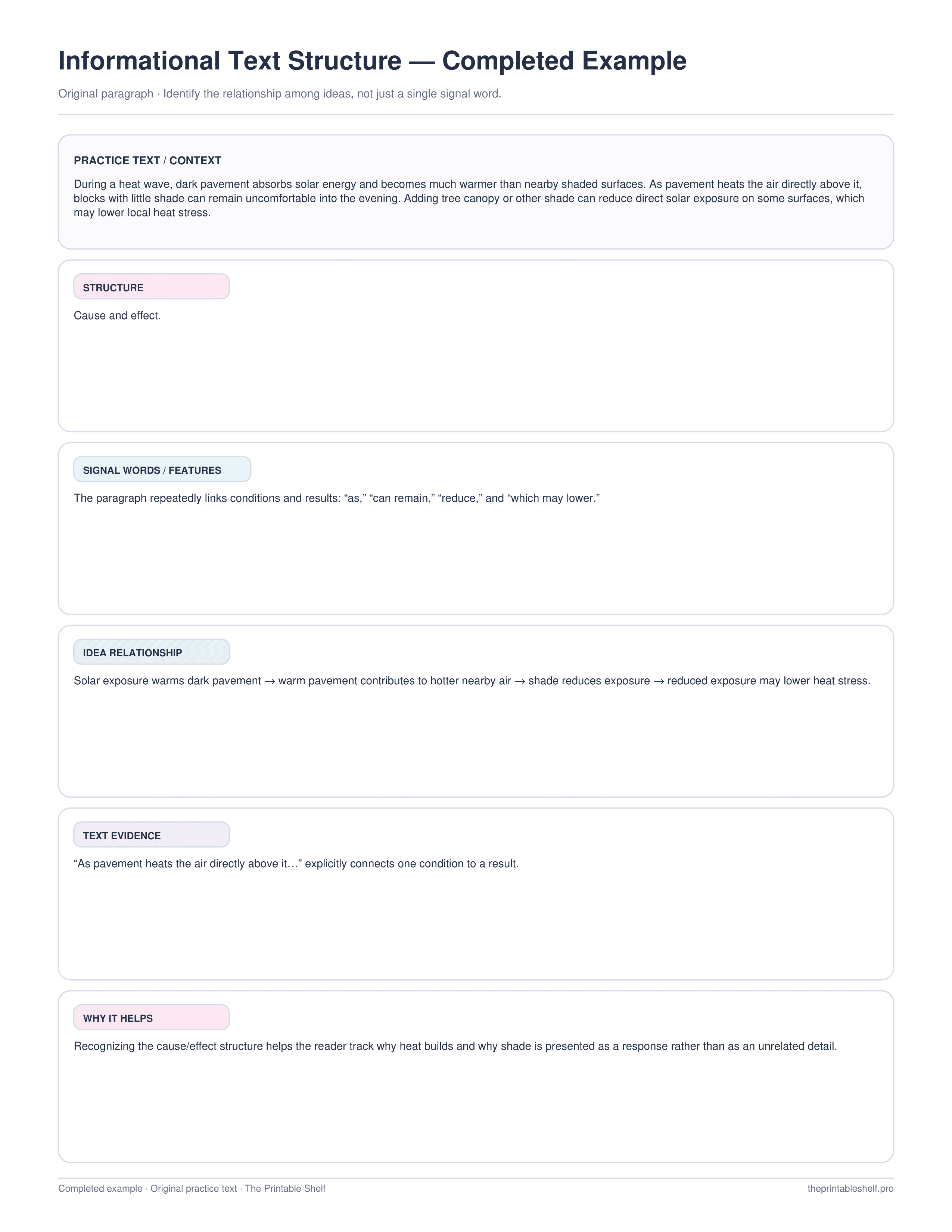
Completed example
See how a finished page can look
See how signal words and the relationship among ideas support a cause-and-effect structure identification.
Best uses for this template
Ways to use it
Identify a section's structure
Use the relationship among ideas to classify the section instead of relying on one signal word.
Map important ideas
Transfer the passage into the available idea-map space so the chosen structure and relationship among the important ideas become visible.
Improve summarizing
Use the structure to decide which relationships must remain visible when the passage is compressed.
Common mistakes to avoid
Choosing from one signal word
Confirm what relationship organizes the main ideas across the section.
Forcing an entire article into one structure
Analyze smaller sections when the author changes structure across the text.
Labeling the structure without using it
Map the important ideas and explain how the organization helps communicate the meaning.
Classroom fit
Suggested grades, use modes & standards
Suggested grade bands
These are practical use ranges, not hard limits. Text complexity and the amount of teacher modeling matter more than the worksheet alone.
Good fit for
Scaffold level: Advanced.
Common Core crosswalk
- RI.3.8 · Describe logical connections such as comparison, cause/effect, and sequence
- RI.4.5 · Describe the overall structure of events, ideas, concepts, or information
- RI.5.5 · Compare and contrast overall structures such as chronology, comparison, cause/effect, and problem/solution
These codes are a practical crosswalk for skills this organizer can support. They are not a claim that the worksheet alone fully teaches or assesses the standard.
Frequently asked questions
What are common informational text structures?
Common structures include description, sequence, cause and effect, compare and contrast, and problem and solution. A text may use more than one structure.
Should I identify structure from signal words?
Signal words are clues, not proof. Confirm the structure by examining the relationship among the ideas in the passage.
Can one article have several text structures?
Yes. Longer informational texts often combine structures across sections. Identify the dominant structure for the part you are analyzing.
Helpful guides
See where this organizer fits, when a different layout works better, and how to turn the completed page into a useful next step.
Keep organizing
You might also like
Free printable
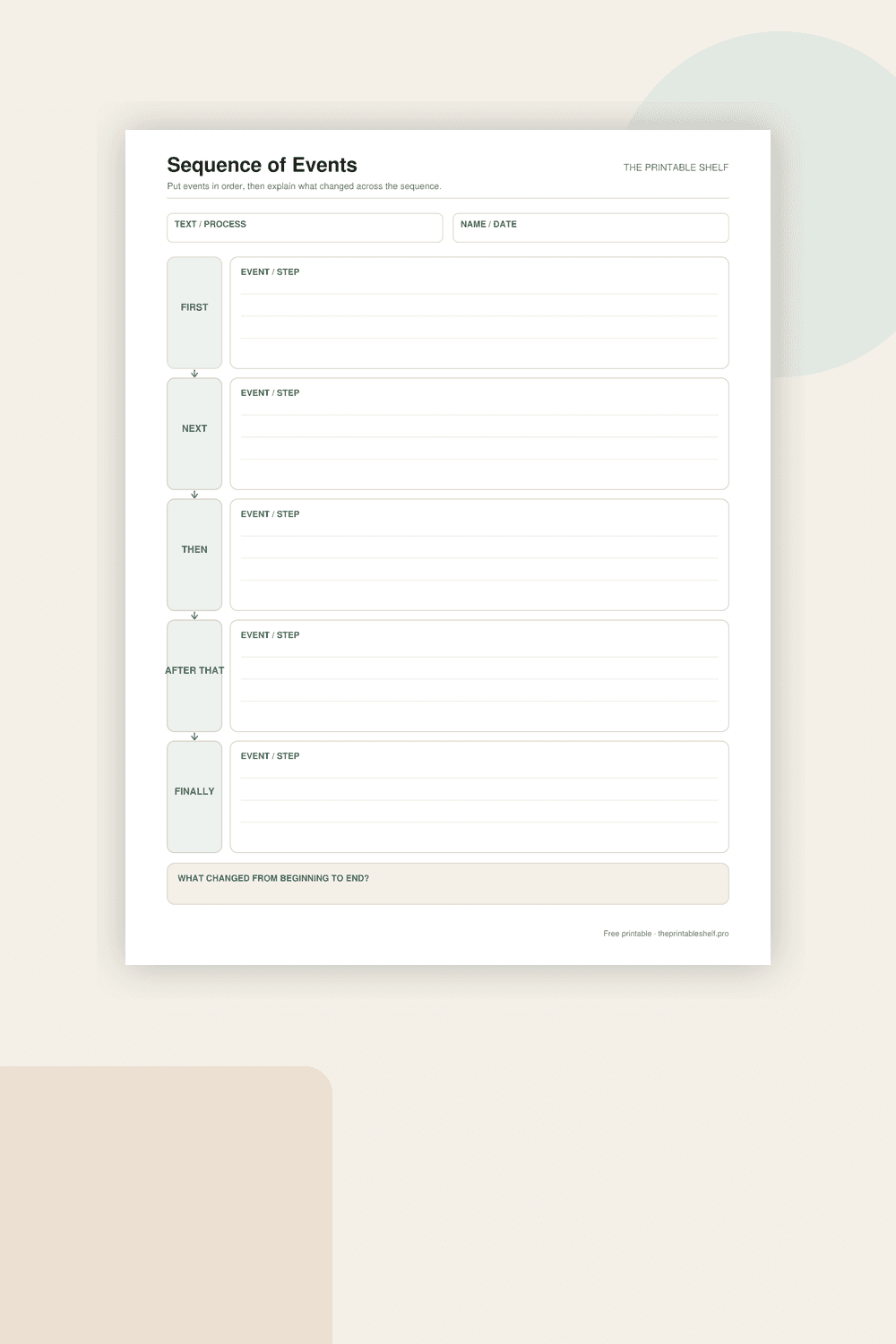
Sequence of Events Graphic Organizer
A vertical sequence chain that makes order visible without squeezing each event into tiny boxes. Five linked writing areas support short event summaries or process steps, and a final reflection box pushes the learner to notice the overall change from beginning to end rather than merely copying chronology.
Free printable
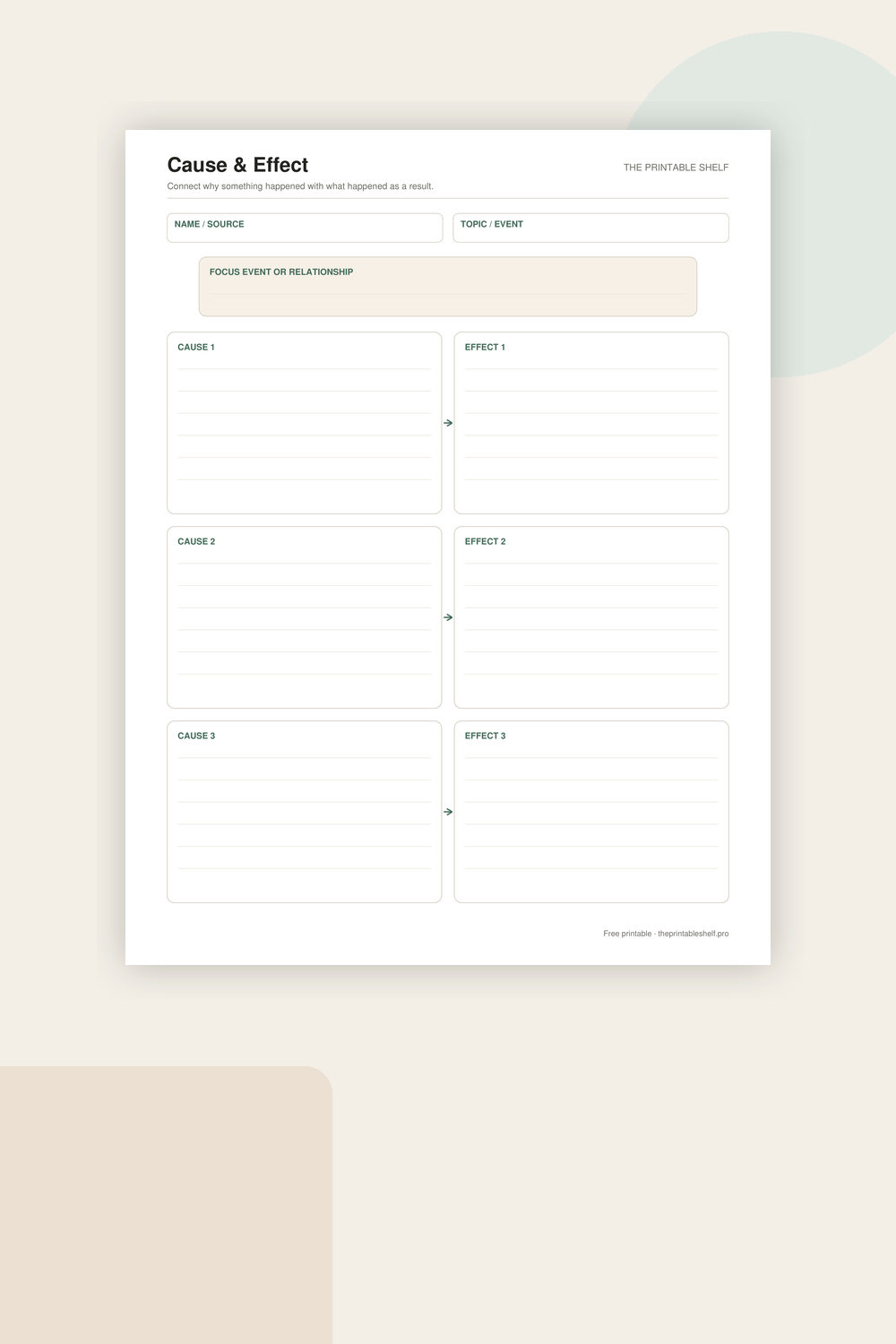
Cause and Effect Graphic Organizer
A one-page organizer for examining causal relationships instead of simply listing events. Each cause is visually connected to its effect, and the focus box at the top gives the page one clear subject so students can analyze several relationships without losing track of the larger event, text, or concept.
Free printable
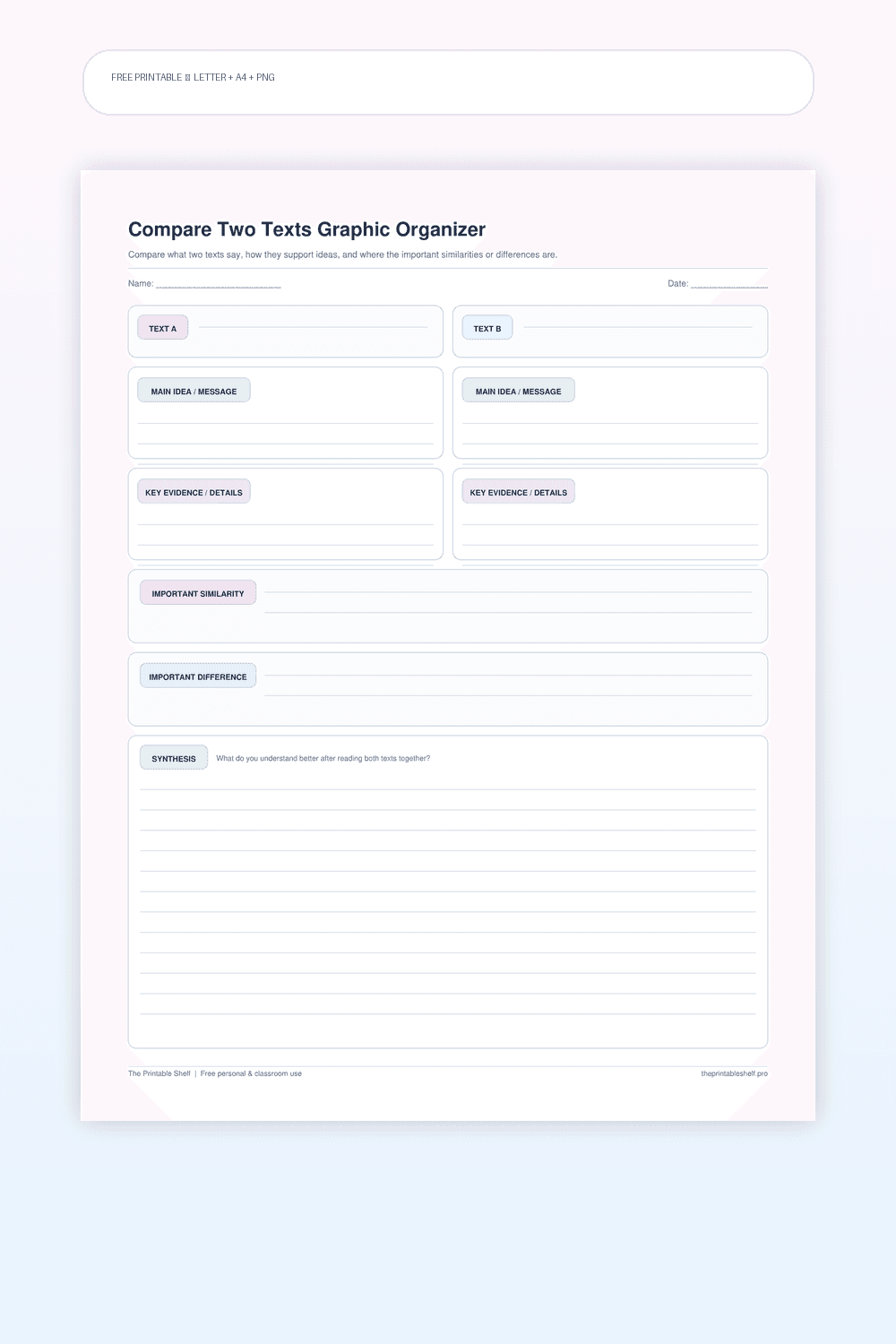
Compare Two Texts Graphic Organizer
A source-comparison organizer designed for two articles, passages, accounts, or other texts about a related topic. Unlike a simple Venn diagram, it provides enough room to preserve each text's main idea and evidence before asking the reader to synthesize across sources.