Work & Study · Free printable
Free Summary Graphic Organizer
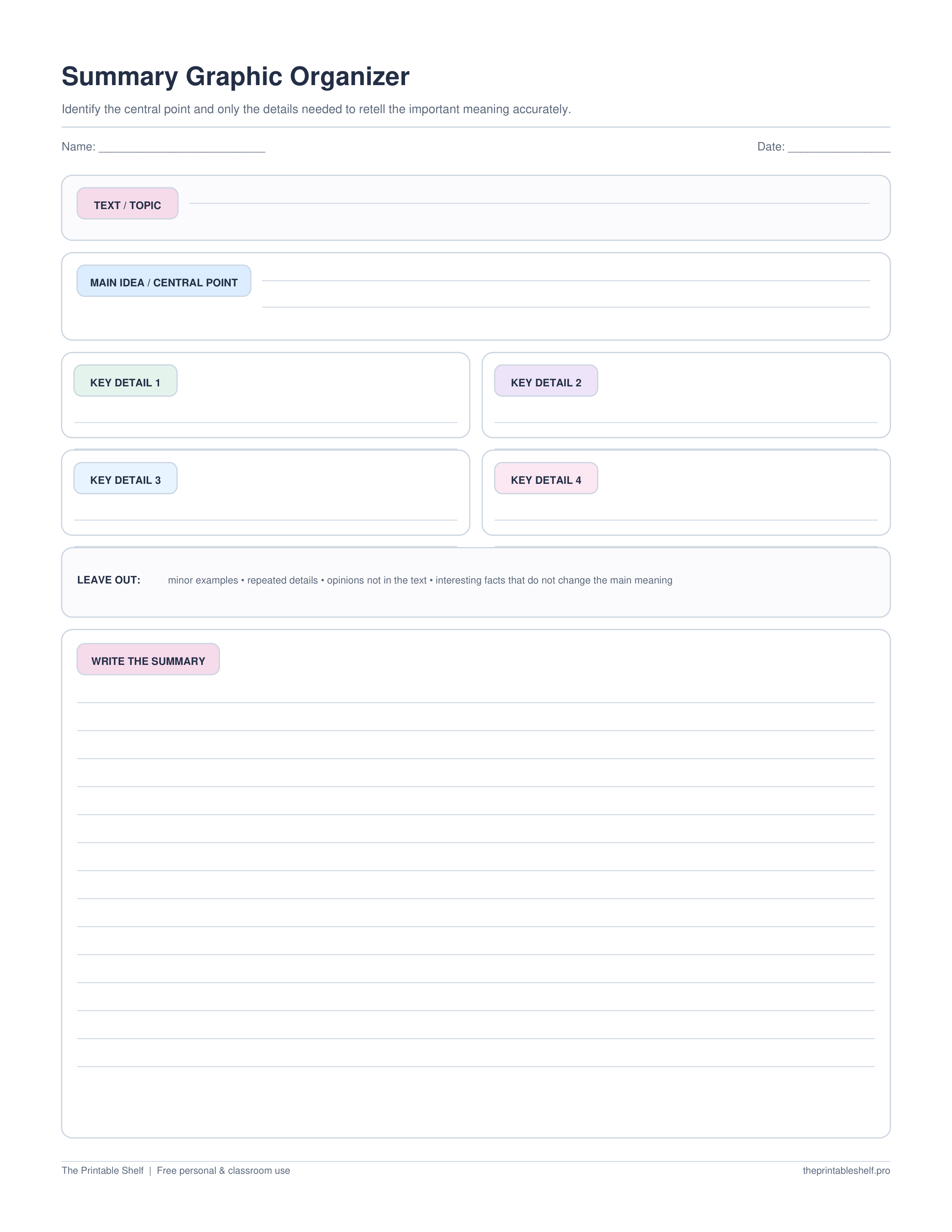
This free summary graphic organizer helps readers decide what matters before writing. Identify the central idea, select up to four essential details, deliberately name information that can be left out, then write a shorter version in your own words. The layout is designed to prevent a summary from becoming a sentence-by-sentence retell.
Edited by Tessa Vaughn · Planning & Organization Editor
Free download
Choose your file size
Print at 100% / Actual Size for the cleanest margins. Pick the paper size your printer normally uses.
No sign-up required · personal/classroom use
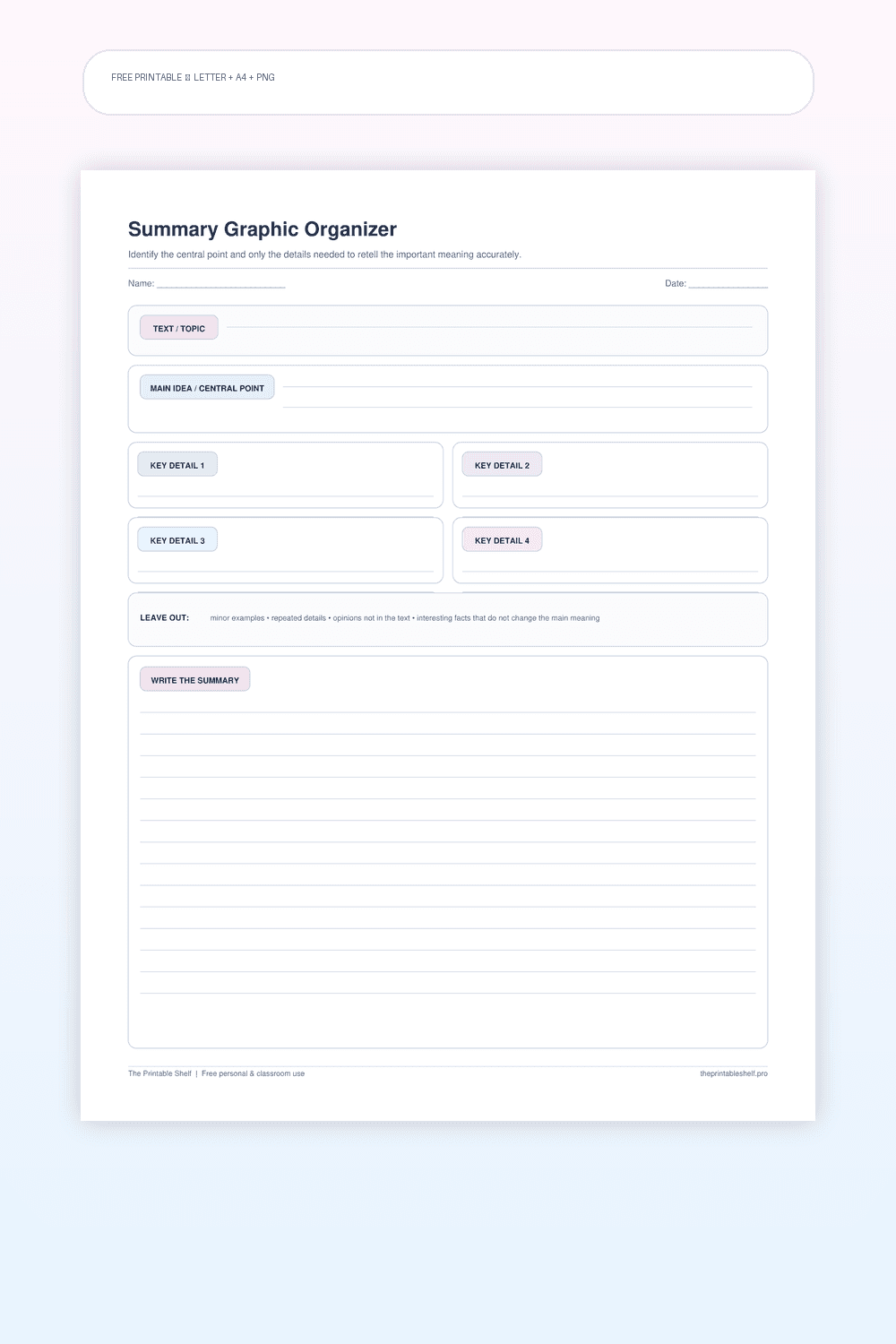
What this printable is for
A reading-to-writing scaffold for compressing a text around its most important ideas. The page combines a main-idea box, a small set of key-detail slots, a deliberate 'leave out' check, and a final writing area. It is especially useful when learners can locate details but struggle to rank their importance. Unlike a beginning-middle-end retell, this organizer does not require every event to appear and can be used with nonfiction as well as narrative texts.
How to use it
Read the complete section or text first, then state the central idea in one sentence. If the text has several sections, identify the important point of each section before deciding what unifies them. Avoid copying the title as the main idea unless it actually communicates the author's central point. A useful central idea is broad enough to cover the text but specific enough that unrelated details can be rejected.
Choose only the details a reader would need in order to understand that central idea. The four spaces are a limit, not a quota: use fewer when the text is short. Prefer details that explain, support, cause, illustrate, or develop the main point. Interesting trivia, repeated examples, minor names, and decorative descriptions can usually be omitted unless the author depends on them to make the central idea clear.
Use the 'leave out' area on purpose. Naming an unnecessary detail forces the reader to practice the part of summarizing that is often hardest: excluding information. Ask what would happen if the detail disappeared from the summary. If the reader could still understand the text's essential message, that information may be a good candidate to omit. This step also helps separate summarizing from copying notes.
Write the summary from the organizer rather than looking sentence by sentence at the original text. That encourages paraphrasing and makes it easier to combine related details. Keep the original source nearby for accuracy, but return to it to check facts rather than to reproduce its wording. The final summary should be substantially shorter than the original and should preserve the important relationships among ideas.
Review the completed summary with three checks: Does it communicate the central idea? Are the included details necessary and accurate? Is unnecessary information missing? For fiction, a Somebody-Wanted-But-So-Then routine or story-specific organizer may be more efficient when the task is to summarize plot. Use this page when identifying importance and compressing information are the main goals.
Fill it online
Type directly into this organizer →
Your answers autosave only in this browser. Print or save the filled page as PDF, download a high-resolution PNG, or clear it and start again—no account required.
Customize instead
Need a different title, paper size, or orientation? →
Use the free Graphic Organizer Maker to build a custom Venn, KWL, Frayer, story map, T-chart, main-idea, sequence, or cause-and-effect page.
Also in a free pack
Download this organizer together with related pages when you want one reusable master PDF instead of separate files.
Choose the support level
Blank, guided, example, or fill online
Use the blank page when students already know the routine. Choose the guided version when they need short prompts inside the sections. A completed example is available when this template benefits from modeling, and the online version lets students type before printing.
Blank
Independent use →
The standard printable with open writing space and no embedded hints. Download the Letter PDF.
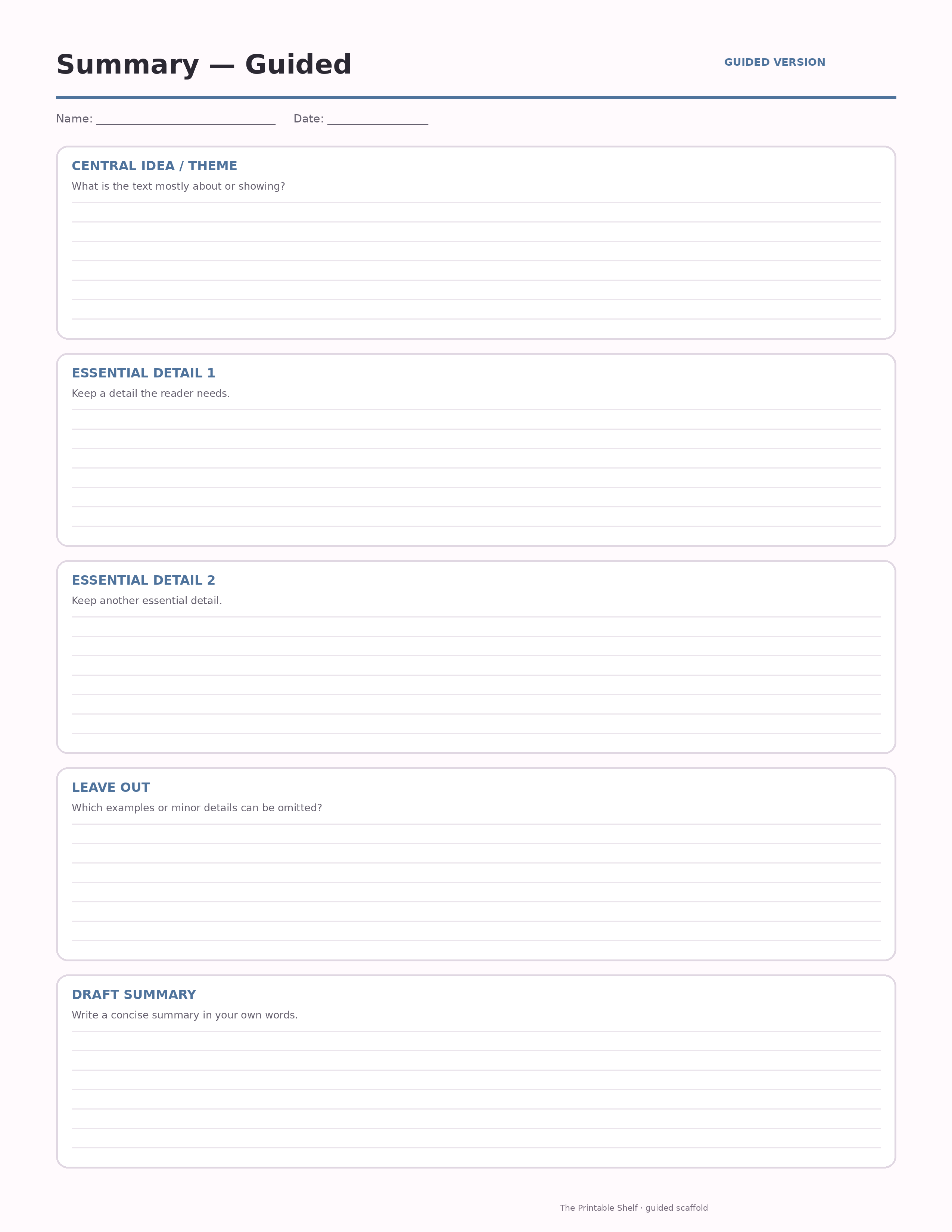
Guided
Prompted scaffold
A scaffolded version with short prompts inside each section to help students know what kind of evidence or thinking belongs there.
Model
Completed example ↓
Use the finished sample to model the thinking before students work independently.
Online
Type before printing →
Autosave locally, print/save as PDF, or export the filled organizer as PNG.
Teaching set · 3 pages
Blank + guided + completed example in one PDF
Print the model first, practice with prompts, then move to the blank page without downloading three separate files.
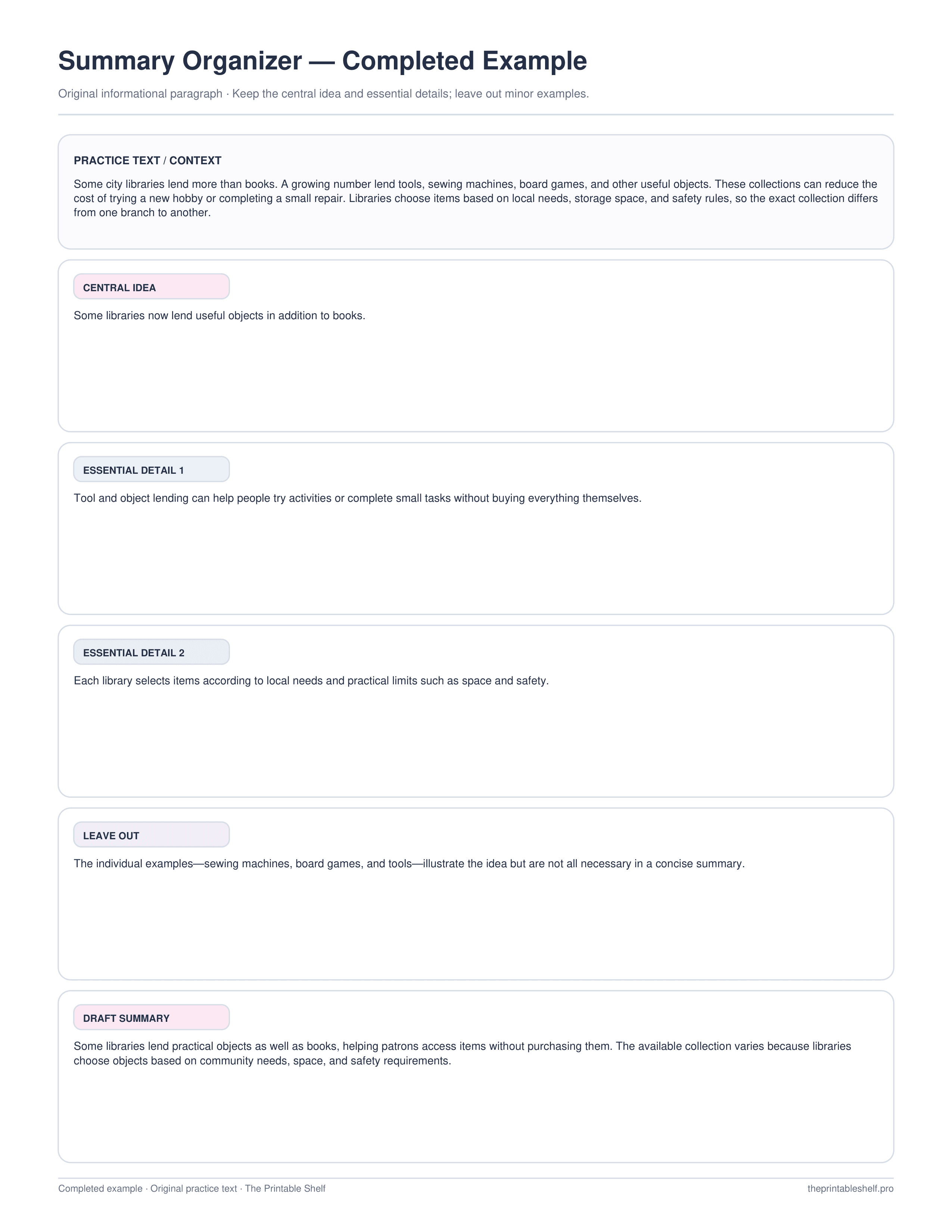
Completed example
See how a finished page can look
See how to separate a central idea and essential details from examples that can be left out, then draft a concise summary.
Best uses for this template
Ways to use it
Reduce a section to its essentials
State the central idea, select only details necessary to understand it, then write a shorter version in your own words.
Practice leaving information out
Identify an interesting but nonessential detail and explain why the summary still works without it.
Prepare for a written summary
Use the organizer as a decision page, then draft from the selected ideas rather than copying through the original text sentence by sentence.
Common mistakes to avoid
Turning the summary into a sentence-by-sentence retell
Rank information by importance and keep only what a reader needs to understand the central idea.
Keeping interesting but minor details
Use the leave-out check to test whether the summary remains accurate without the detail.
Copying the source wording
Draft from the completed organizer and return to the source only to confirm accuracy and important relationships.
Classroom fit
Suggested grades, use modes & standards
Suggested grade bands
These are practical use ranges, not hard limits. Text complexity and the amount of teacher modeling matter more than the worksheet alone.
Good fit for
Scaffold level: Standard.
Common Core crosswalk
- RL.4.2 · Determine theme and summarize literary text
- RI.4.2 · Determine main idea and summarize informational text
- RL.5.2 / RI.5.2 · Determine central ideas or themes and summarize
These codes are a practical crosswalk for skills this organizer can support. They are not a claim that the worksheet alone fully teaches or assesses the standard.
Frequently asked questions
What is the difference between a summary and a retell?
A retell may include many events or details in order. A summary is much shorter and keeps only the most important ideas and necessary supporting information.
Should a summary include every key detail box?
No. The four boxes are available space, not a requirement. Use only the details needed to communicate the central idea accurately.
Can I use this summary organizer with nonfiction?
Yes. The main-idea, key-detail, and leave-out structure is particularly useful for nonfiction and content-area reading, though it can also support narrative summaries.
Helpful guides
See where this organizer fits, when a different layout works better, and how to turn the completed page into a useful next step.
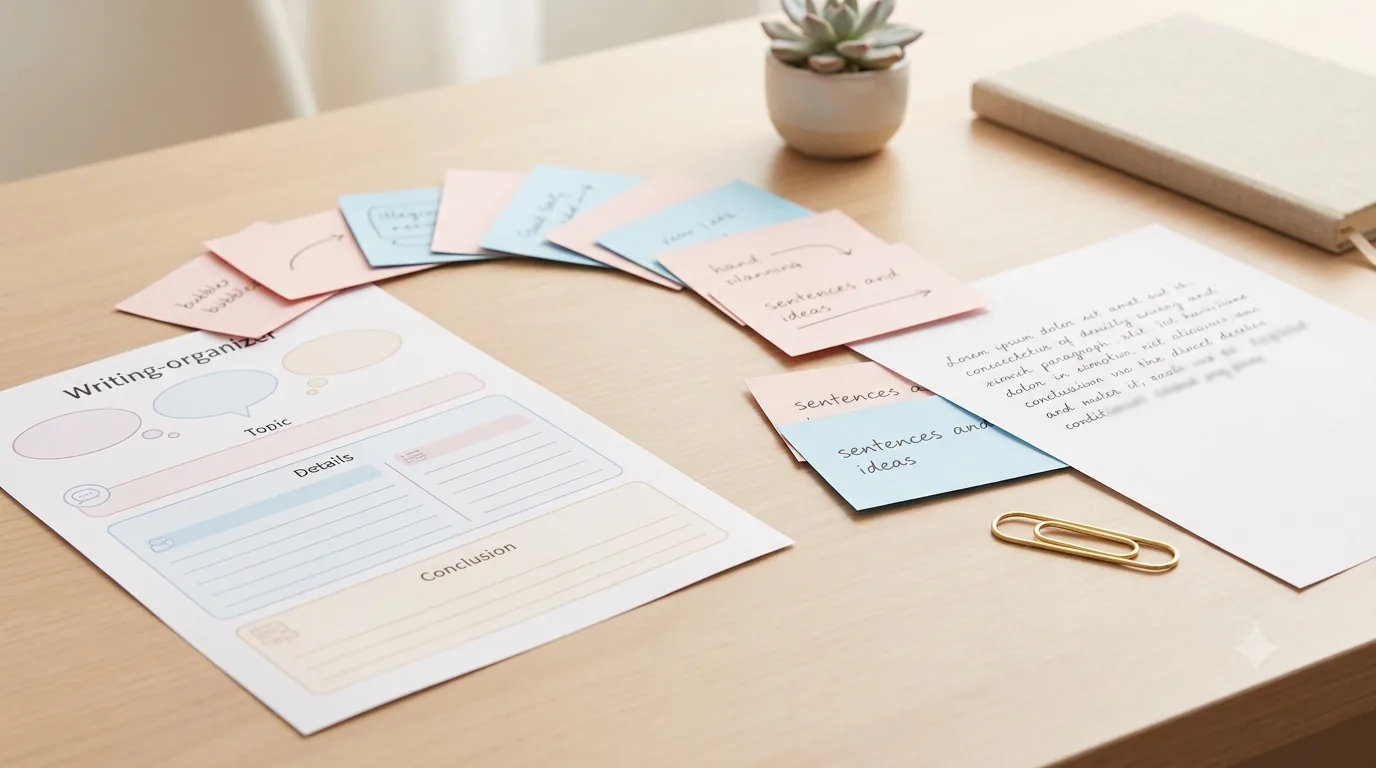
Free Writing Graphic Organizers: Which One to Use and When
Use free writing graphic organizers to plan ideas, structure paragraphs, compare evidence, sequence steps, and organize explanations before drafting.
Read guide →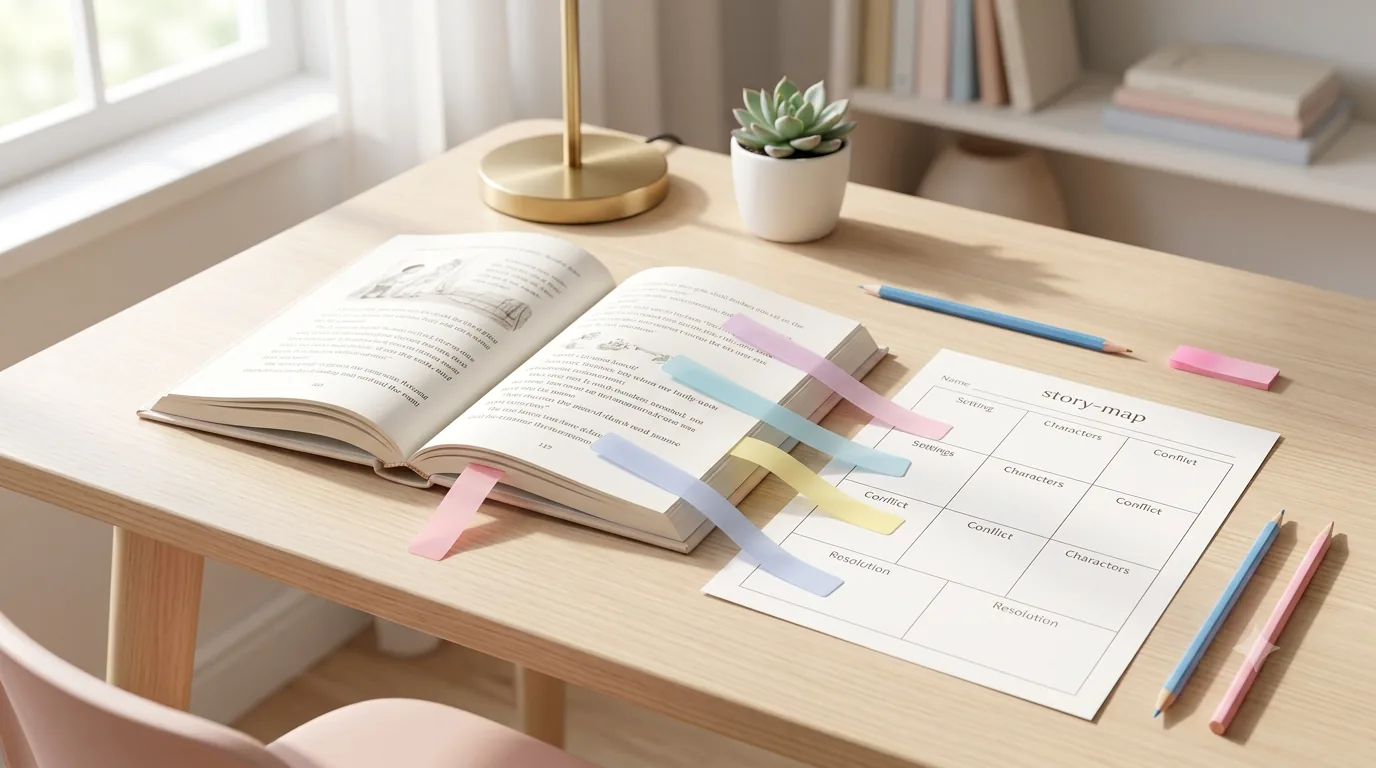
Free Reading Comprehension Graphic Organizers by Reading Skill
Free reading comprehension graphic organizers for story elements, main idea, sequence, cause and effect, comparison, vocabulary, and prior knowledge.
Read guide →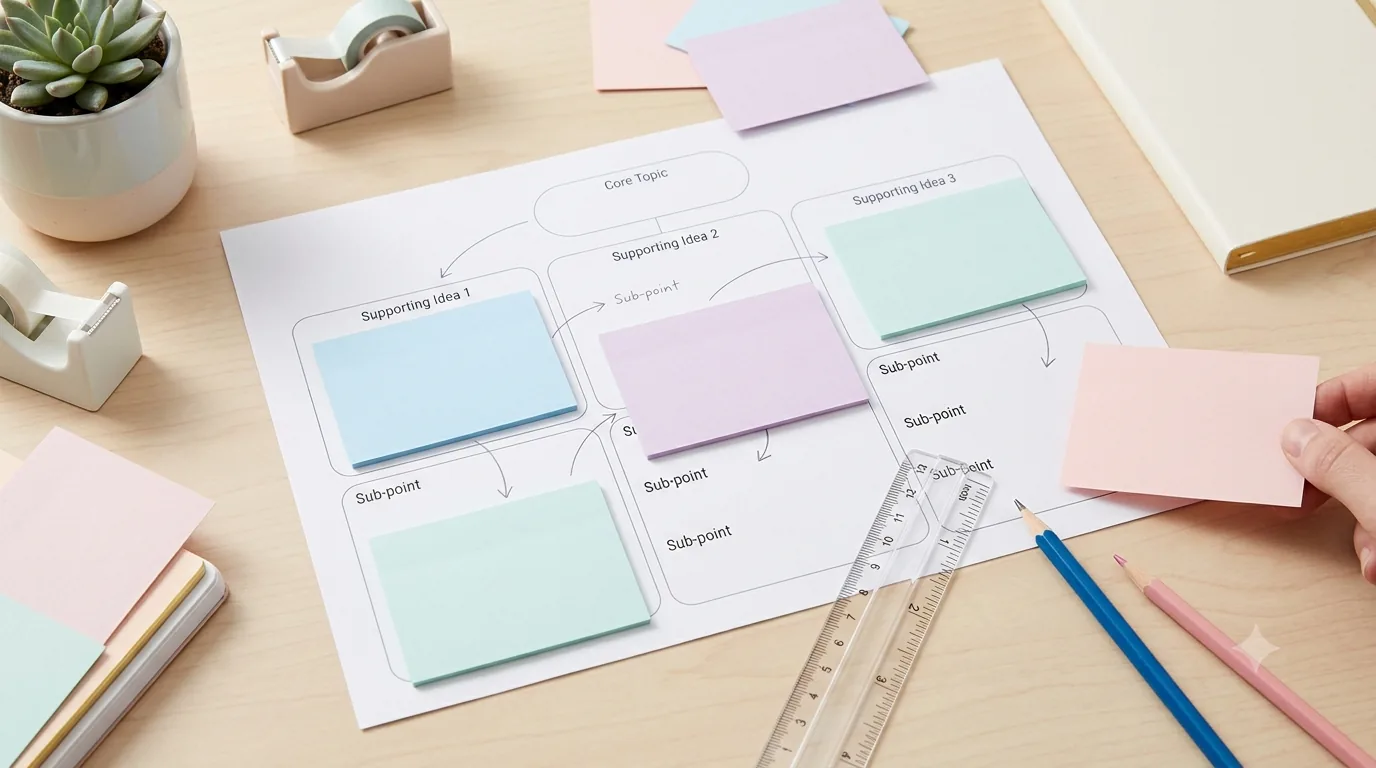
How to Use Graphic Organizers Effectively (Without Turning Them Into Busywork)
Learn how to choose, model, scaffold, and reuse graphic organizers so students think with them instead of simply filling in boxes.
Read guide →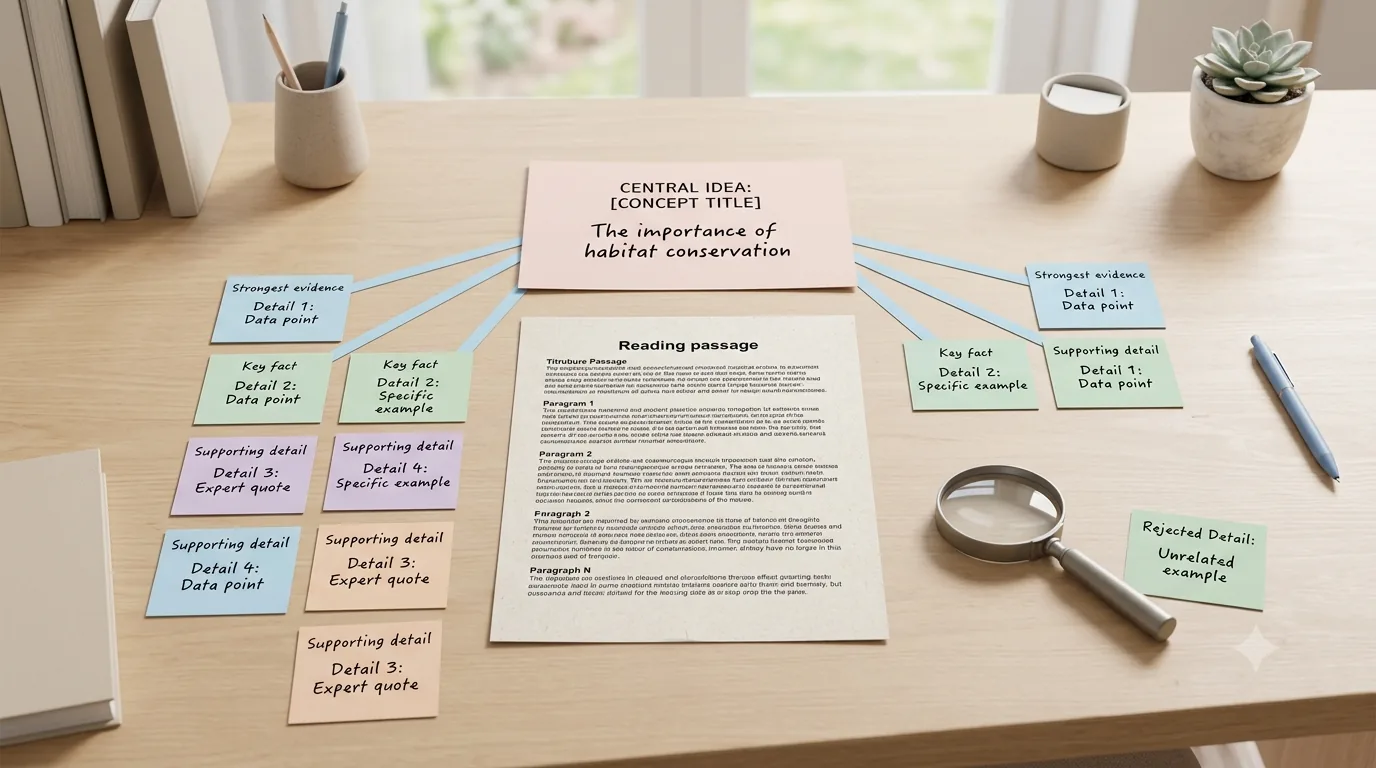
How to Find the Main Idea and Supporting Details in a Text
Learn how to find a text's main idea and supporting details with a step-by-step method, worked examples, and a free graphic organizer.
Read guide →Keep organizing
You might also like
Free printable
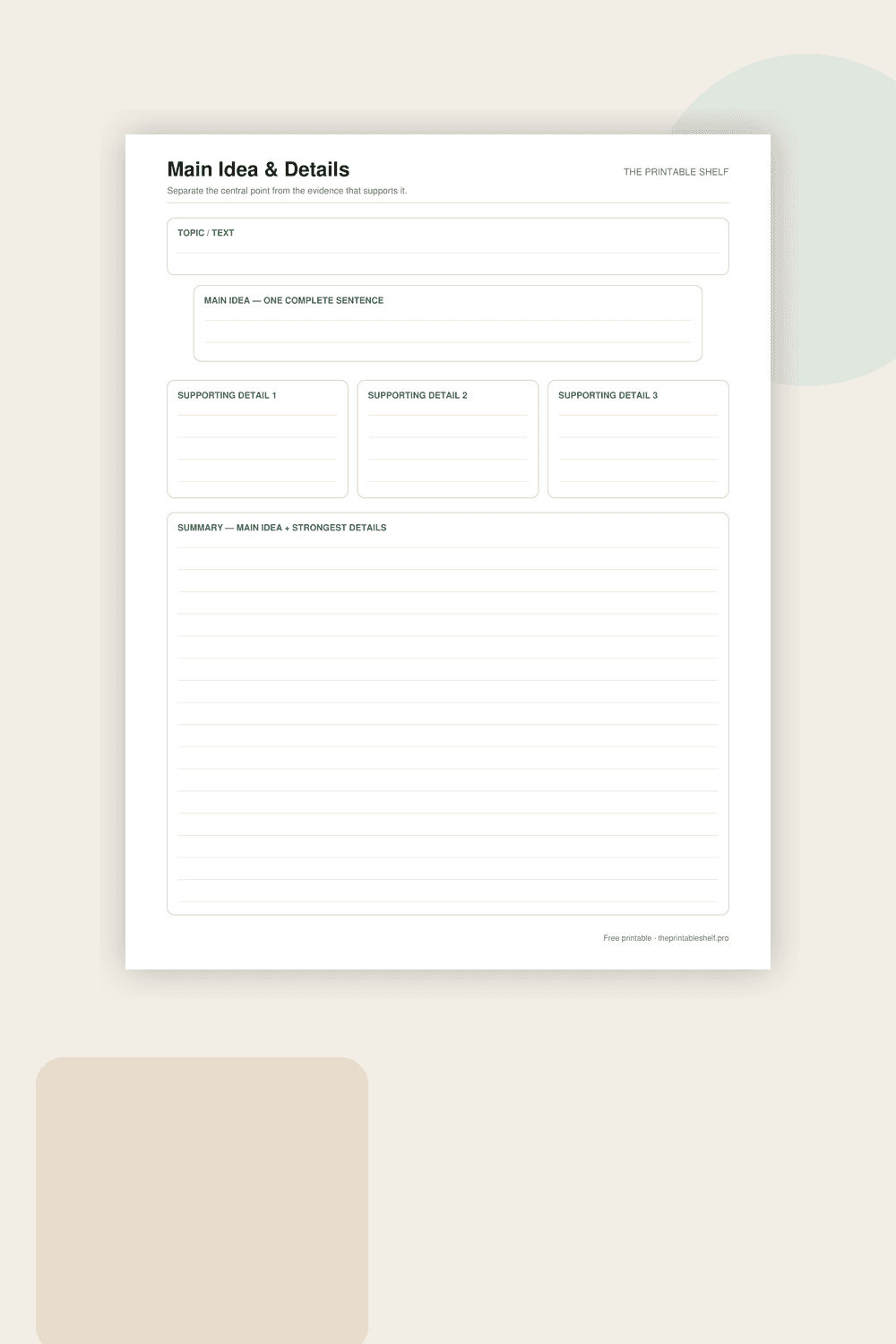
Main Idea and Details Graphic Organizer
A reading and note-taking organizer built around one central idea and three pieces of support. The extra topic box helps learners distinguish a broad subject from the author’s actual main point, while the final summary asks them to recombine the important information in their own words.
Free printable
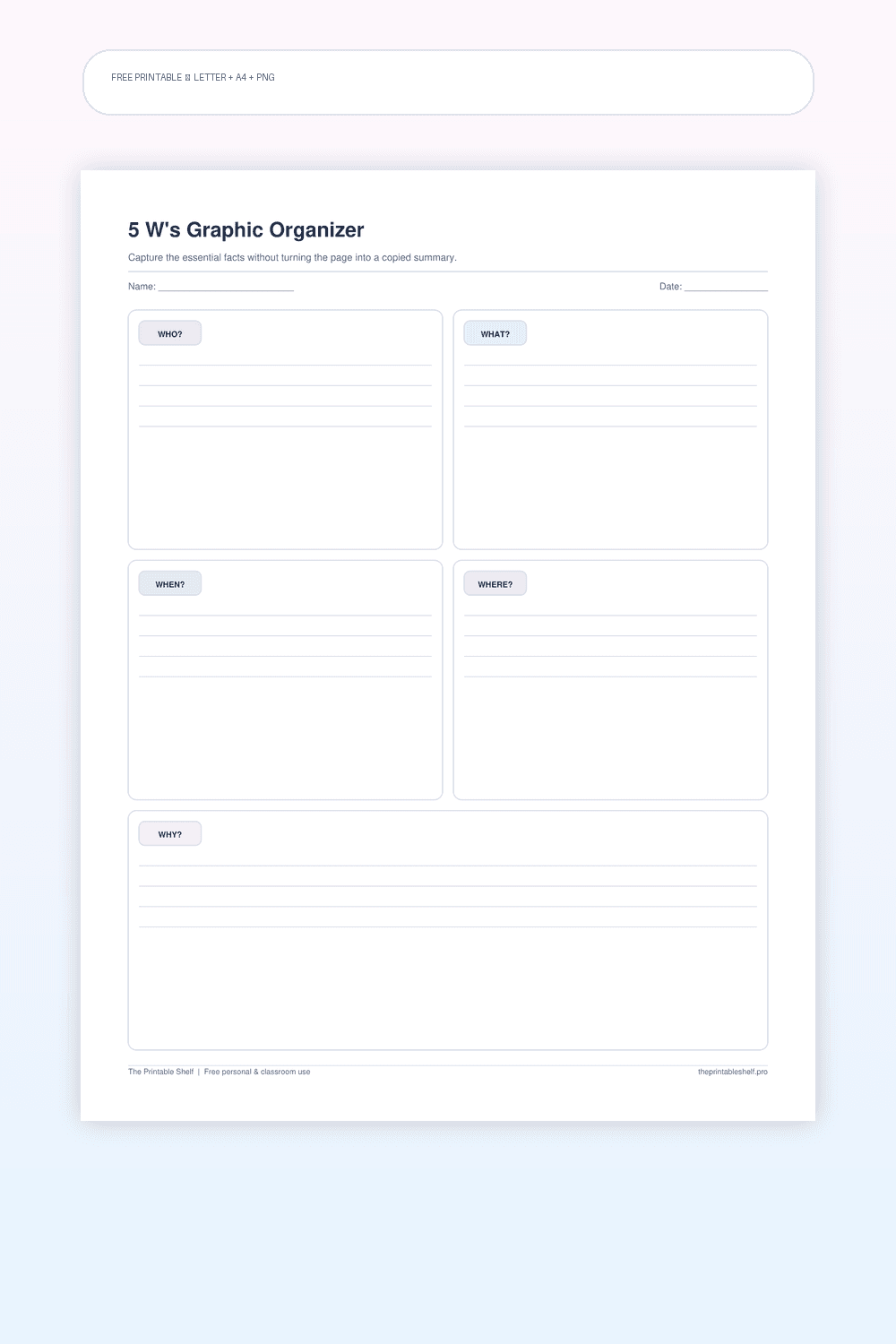
5 W's Graphic Organizer Printable
A five-part fact and comprehension organizer with one clear writing area for each of the classic 5 W questions. The structure is simple enough for elementary reading work but flexible enough for research notes, current-events summaries, biographies, interviews, and prewriting when a topic needs basic context before deeper analysis.
Free printable
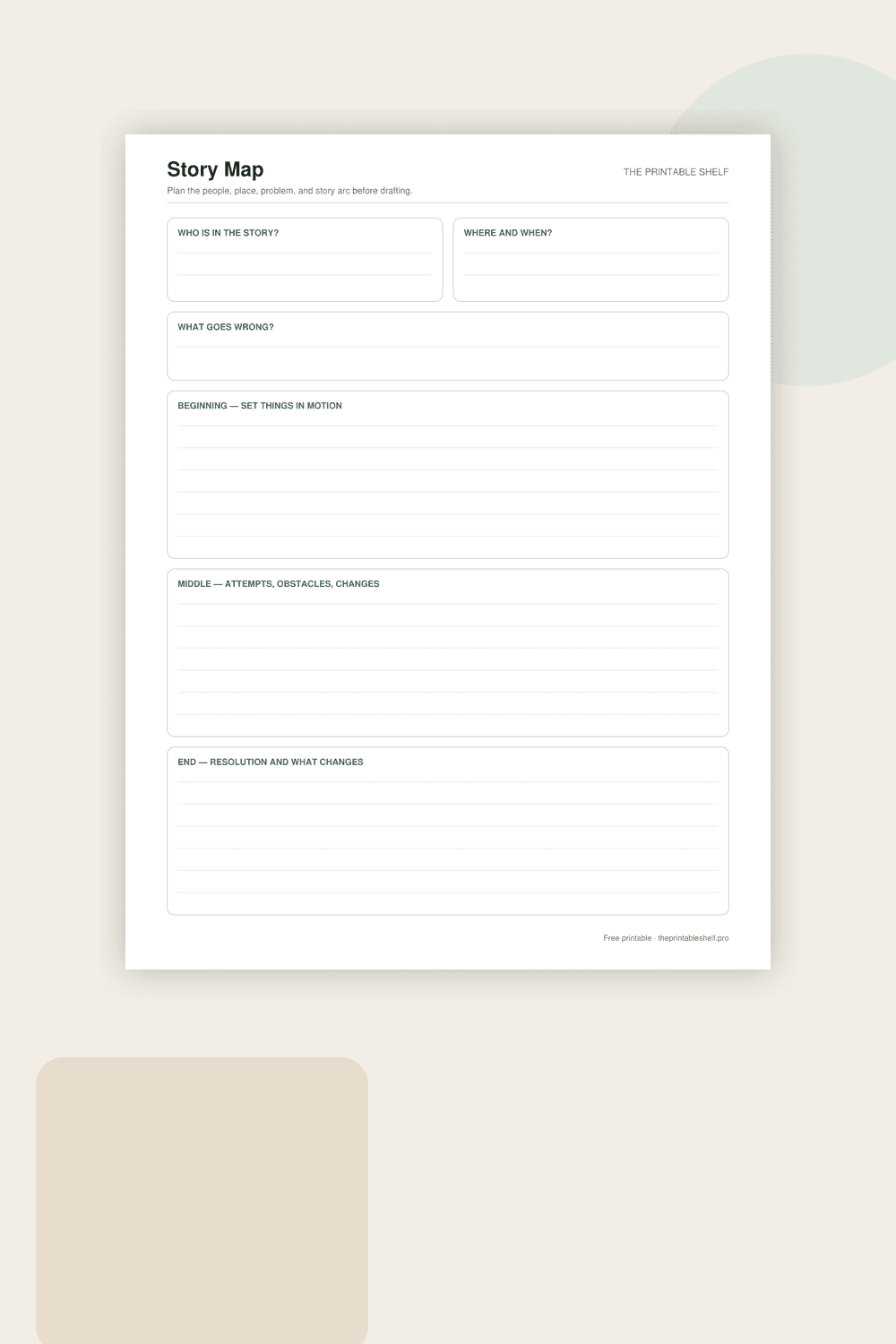
Printable Story Map Template
A one-page story organizer that separates the pieces students often mix together. Characters and setting establish who and where, the problem gives the story something to resolve, and three larger boxes organize the sequence into beginning, middle, and end. It works for reading response or prewriting.