How-to guide · Work & Study
7 Cornell Notes Mistakes That Make the Method Less Useful
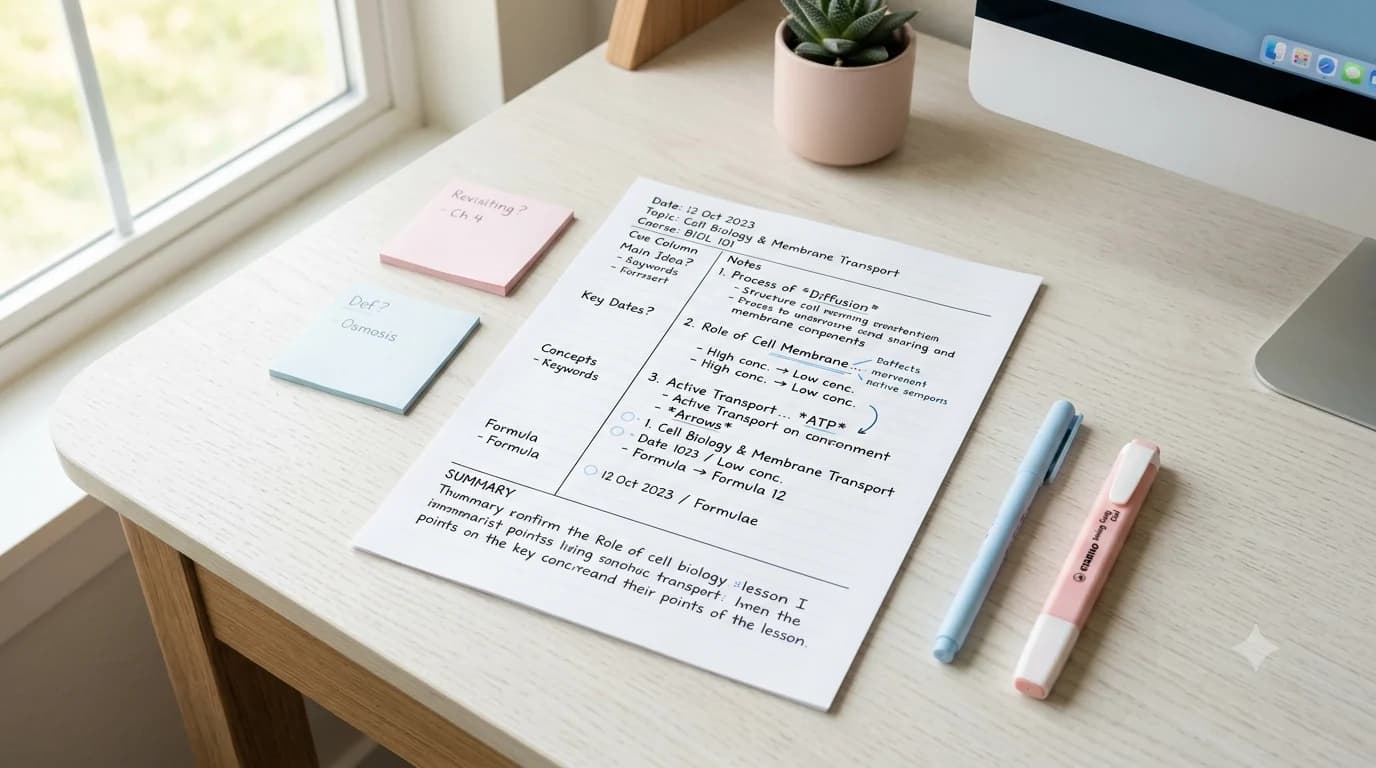
A perfectly divided Cornell page can still be bad study material. The method is not the left margin, the wide notes area, and the summary box by themselves. Cornell University's Learning Strategies Center describes a workflow that continues after the lecture: formulate questions, recite from the cues, reflect on the material, and review previous notes. If those steps disappear, the page may be tidy but it loses much of the reason for using the format.
That is why troubleshooting Cornell Notes is more useful than obsessing over exact line measurements. The seven problems below are visible in the way the notes are used. Each one has a practical repair you can apply to an existing page without starting over.
First, remember what each part of the page is for
Use the large notes area to capture the lecture, reading, or training material in compressed form. Use the cue column after the initial capture to create prompts that help you retrieve the ideas. Use the summary area to state the page's main point in your own words. During study, cover the notes area and answer from the cues before checking yourself.
Cornell's current Learning Strategies Center presents the process as Record, Questions, Recite, Reflect, and Review. SUNY Schenectady teaches a closely related five-R sequence and likewise tells students to keep the cue column empty during class, reduce the notes soon afterward, recite with the main area covered, reflect, and review. The common thread is active reuse: the page is designed to be revisited.
Mistake 1: transcribing instead of taking selective notes
Trying to capture every spoken sentence creates a wall of text that is difficult to process later. The official Cornell guidance recommends telegraphic sentences during recording, and university study-skills pages commonly recommend concise phrases, abbreviations, and space between ideas. The point is not to produce a verbatim record. It is to capture enough structure and meaning that you can reconstruct the lesson later.
Repair: after the session, scan for long sentences you copied almost word for word. Underline the key term, claim, process, or example in each section and compress the rest into a shorter phrase. Do not rewrite the entire page neatly. Edit only enough to make the relationships visible. If you constantly need verbatim wording for the subject, pair Cornell notes with the source material rather than forcing the notes to become a transcript.
Mistake 2: filling the cue column with headings instead of usable prompts
A cue such as Photosynthesis may help you locate a topic, but it does not necessarily test whether you understand it. A stronger cue asks for a specific retrieval: What are the inputs and outputs of photosynthesis? Why does light intensity affect the rate? What evidence distinguishes this process from respiration? Questions make it clear what you should be able to produce before uncovering the notes.
Repair: convert topic labels that should function as retrieval prompts into questions the notes beside them can answer. Mix recall prompts with relationship prompts. A definition question checks vocabulary; a why or how question checks understanding; a compare question checks whether you can distinguish similar concepts. One good cue can cover several lines of notes, so do not mechanically write a prompt beside every line.
Mistake 3: writing cues during class and never making a second pass
Some students try to complete every region of the page in real time because an empty cue column feels unfinished. That removes an important second encounter with the material. Cornell's Learning Strategies Center says to formulate questions as soon after class as possible, based on the notes you recorded. The after-class pass is where you clarify meaning, notice relationships, and decide what deserves a study prompt.
Repair: during a fast lecture, leave the cue column blank except for an occasional question mark beside something confusing. Within the same day, spend a short pass adding cue questions and filling obvious gaps. If your schedule makes immediate review impossible, choose a predictable trigger—after the class block, before dinner, or at the start of your evening study session—so the page does not disappear into a notebook untouched.
Mistake 4: skipping the summary because the page already looks full
The summary is easy to ignore because it sits at the bottom and feels repetitive. It is useful precisely because it forces compression. Instead of repeating individual details, state the central point of the page and the relationship among the most important ideas. If you cannot write a clear summary without copying from the notes, that difficulty may reveal what you still do not understand.
Repair: cover the page and write the summary from memory first. Then uncover the notes and correct anything important you missed. For a page that contains several unrelated lecture segments, write a short summary of the shared theme or split future sessions onto separate pages so each summary has a meaningful focus.
Mistake 5: rereading the page instead of reciting from the cues
Rereading feels efficient because the material becomes familiar, but familiarity is not the same as being able to produce an answer without looking. The Cornell method explicitly asks students to cover the notes area, look at cues, and say the facts or ideas in their own words before checking. That turns the page from storage into a self-test.
Repair: place a blank sheet over the notes column. Read one cue and answer aloud or on scrap paper. Reveal only the matching section, check what was missing, and mark the cue if you need another pass. Do not restart the whole page every time you miss one point; target the weak cues. A page with ten useful questions can become a compact quiz without making a separate deck of flashcards.
Mistake 6: reviewing once and then abandoning the page
The official Cornell guidance includes review as a continuing step, not a one-time cleanup. A common failure pattern is to create good cue questions, test them once, and then leave the notebook closed until the night before an exam. By that point the page is still organized, but the built-in study prompts have not been used as intended.
Repair: give each page a small review marker. For example, place three empty circles in the corner and fill one after each successful cue-column review. Or keep a simple list of lecture dates and mark the pages that still contain missed cues. The exact schedule can vary by course; what matters is that weak material returns before the final cram session.
Mistake 7: forcing Cornell format onto every subject and every task
A note-taking system should fit the material. Cornell notes are especially convenient when a lecture, chapter, or training session contains concepts, definitions, explanations, examples, and relationships that can later be turned into questions. They can be awkward when the important information is primarily visual, when you need to preserve a long hierarchy, or when solving problems step by step is the learning activity itself.
Repair: choose the format by what you will need to do with the information. Use an outline when hierarchy is the main structure. Use a concept map when connections among ideas matter more than sequence. Use worked-example pages for mathematics or technical procedures that require several calculation steps. You can still borrow Cornell's cue-and-review habit without forcing every note page into the same geometry.
| If the material looks like... | Try... | Why |
|---|---|---|
| Lecture with concepts, examples, definitions | Cornell Notes | Cue questions can turn the captured material into self-testing prompts |
| Strong hierarchy of headings and subpoints | Outline | Indentation makes levels and nesting easier to see |
| Many cross-connections among ideas | Concept map | Links and branches show relationships that a linear page can hide |
| Worked calculations or procedures | Worked-example / problem format | The sequence of decisions and operations needs more room than a cue column provides |
Worked example: repair a weak Cornell page in one short review pass
Imagine a biology page on cell membranes. The notes column contains dense copied sentences about diffusion, osmosis, concentration gradients, and transport proteins. The cue column has four labels: diffusion, osmosis, active transport, passive transport. The summary box is empty. The page is not useless, but it is doing very little beyond storage.
First, compress each dense block into a few phrases and circle one example. Second, replace the labels with questions: What moves during osmosis? Which processes require cellular energy? How does movement relate to a concentration gradient? Third, write a concise summary from memory explaining that membrane transport moves substances across the cell membrane through processes that differ in energy use and direction relative to gradients. Finally, cover the notes and answer the three questions. In one short pass, the existing page becomes a review tool without being recopied.
A quick quality check for any Cornell Notes page
Before calling a page finished, ask five questions. Can I see the main ideas without rereading every line? Do the cues require me to retrieve information rather than merely recognize a heading? Can I summarize the page without copying? Can I cover the notes and test myself? Do I know when I will revisit the weak cues? If several answers are no, the problem is probably the workflow rather than the template.
That distinction also prevents a common productivity trap: searching for a prettier Cornell template instead of fixing how the current page is used. Layout can improve readability, but cue quality, recitation, reflection, and review determine whether the notes become useful study material.
Frequently asked questions
What is the biggest mistake people make with Cornell Notes?
Treating the format as ordinary note paper and never using the cue column for self-testing is one of the biggest failures. The method continues after recording: add useful prompts, cover the notes, recite from memory, reflect, and review.
Should I write Cornell cue questions during class or afterward?
The Cornell Learning Strategies Center recommends formulating questions as soon after class as possible based on the notes you recorded. During a fast lecture, prioritize the main notes area and use a short after-class pass to build better cues.
Are Cornell Notes good for every subject?
No single format is best for every task. Cornell Notes fit information-rich lectures and readings well, but outlines, concept maps, or worked-example formats can be better when hierarchy, visual relationships, or multistep problem solving are the main challenge.
Sources & further reading
These sources support the instructional background in this guide. The printable recommendations and usage notes above are The Printable Shelf's editorial guidance.
- Cornell Learning Strategies Center — The Cornell Note-taking System — Official Cornell summary of the Record, Questions, Recite, Reflect, and Review workflow.
- Cornell Learning Strategies Center — Cornell Note Taking System — Current Cornell study-skills guidance on how and why to use the system and choose note-taking strategies.
- SUNY Schenectady — The Cornell Note Taking System — University study-skills page showing the three-part page layout and a five-R process for recording, reducing, reciting, reflecting, and reviewing.
- Michigan State University — Cornell Notes — University guidance on using concise notes, cue questions, summaries, and covered-note recitation during review.
More guides
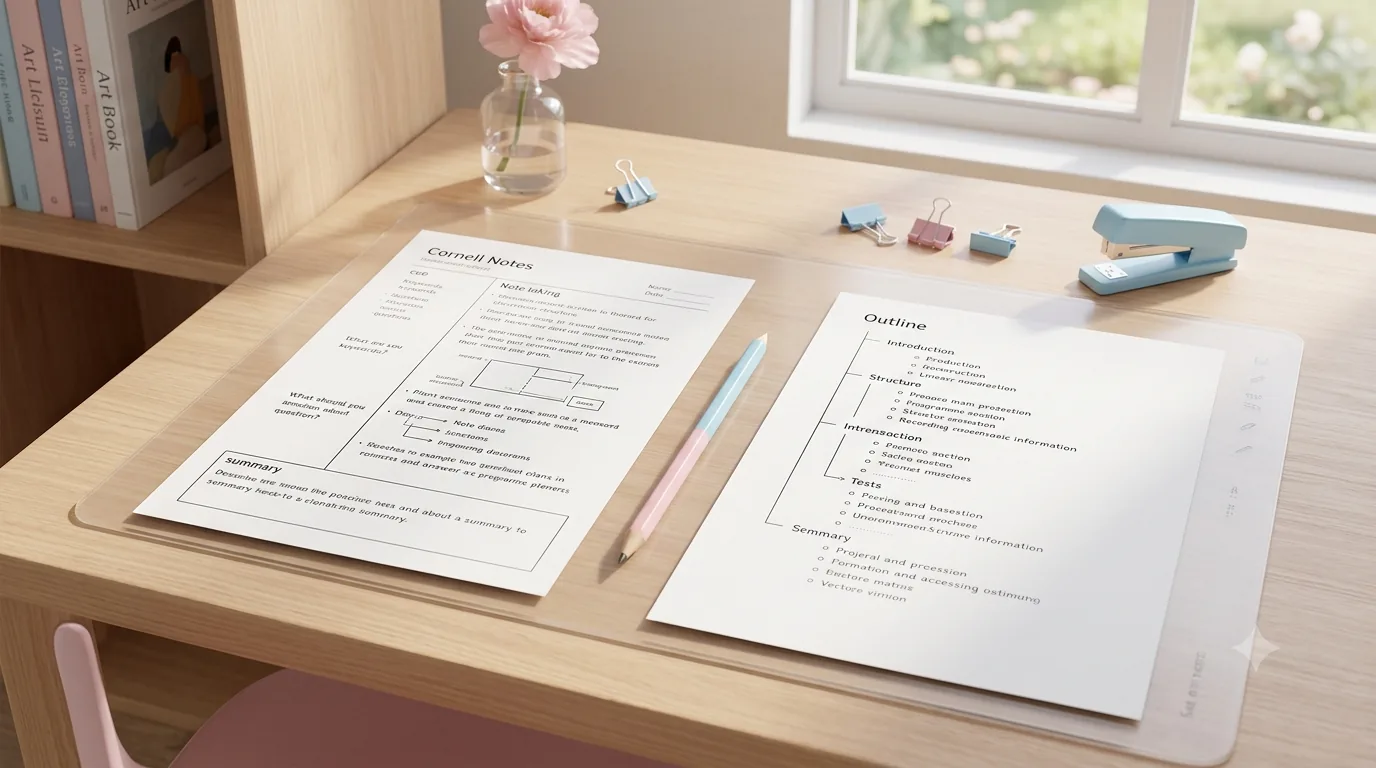
Cornell Notes vs. Outline Method: Which Is Better for Studying?
Compare Cornell notes with the outline method for lectures, textbooks, studying, review, and self-testing, then choose the format that fits the task.
Read guide →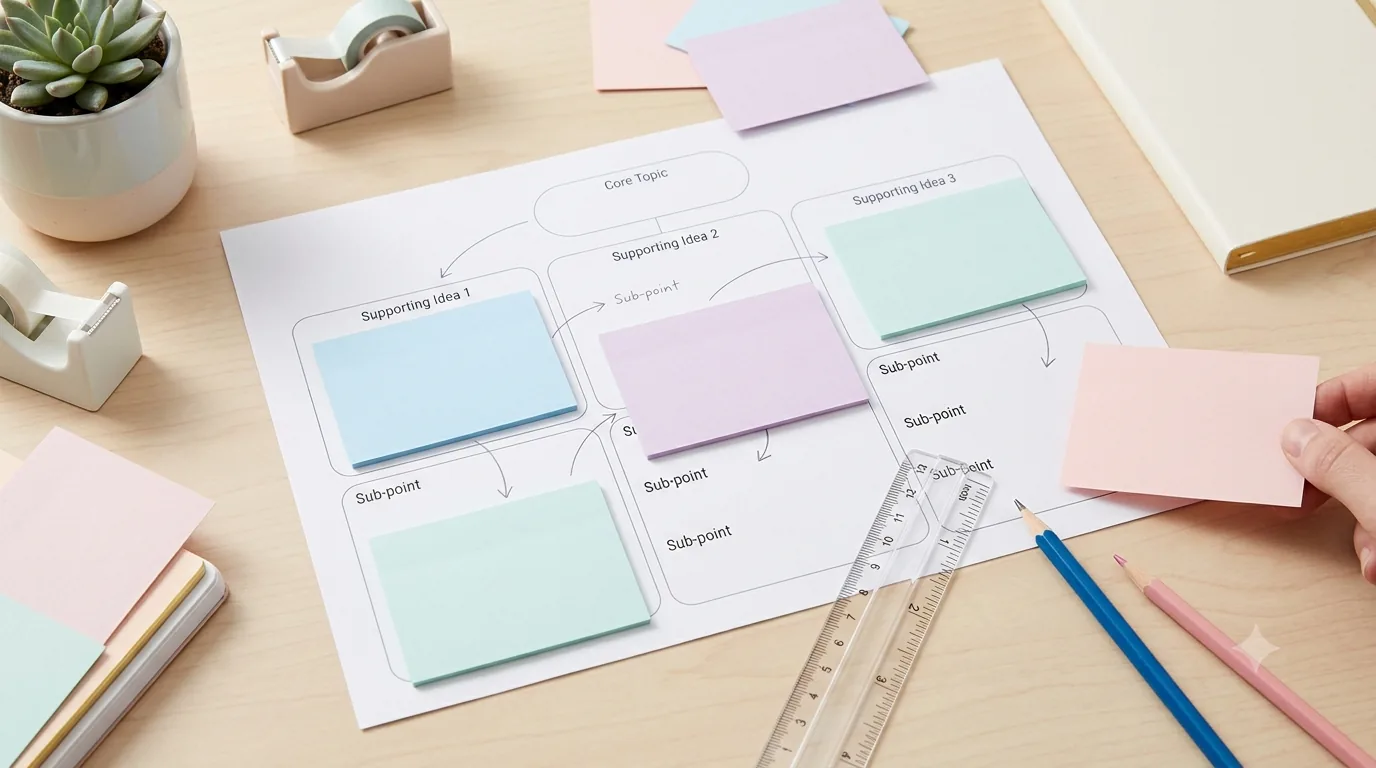
How to Use Graphic Organizers Effectively (Without Turning Them Into Busywork)
Learn how to choose, model, scaffold, and reuse graphic organizers so students think with them instead of simply filling in boxes.
Read guide →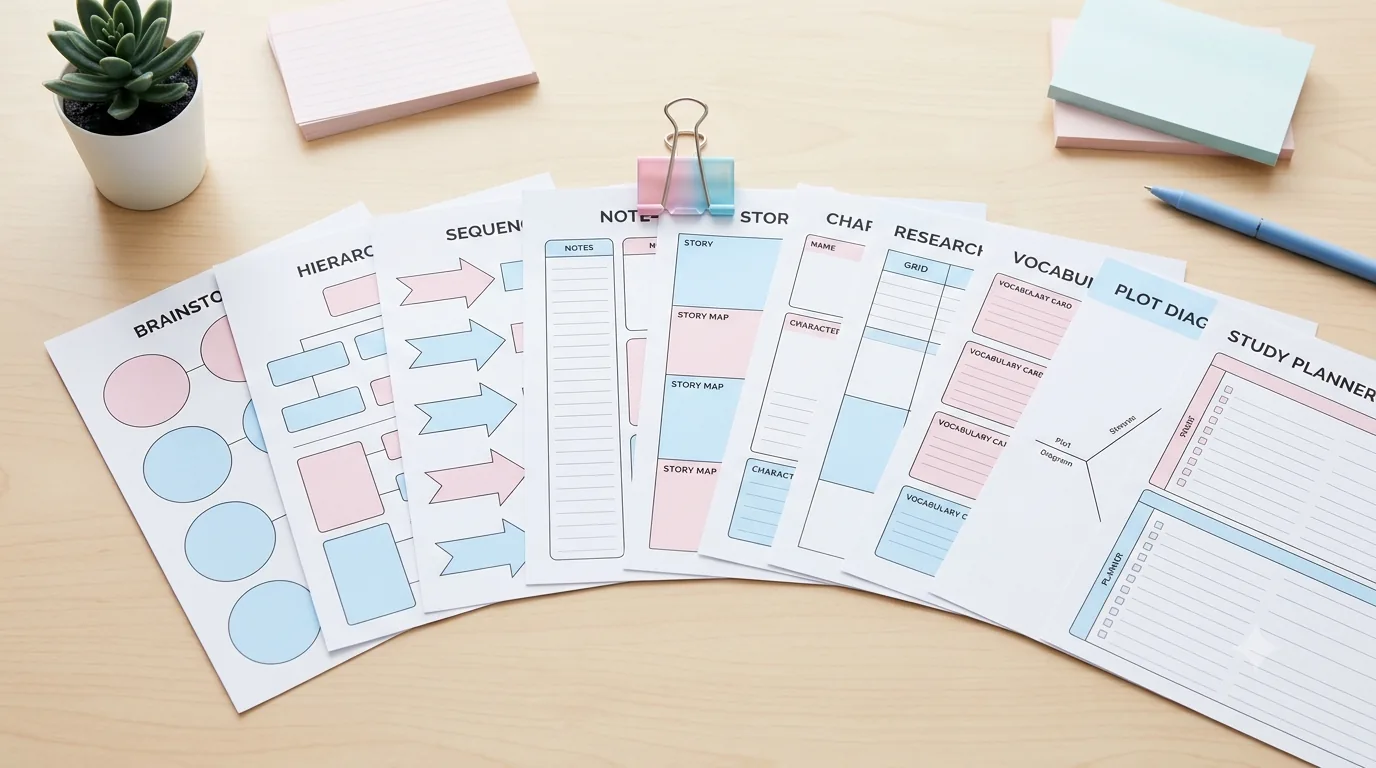
10 Free Graphic Organizers for Reading, Writing, and Studying
Download 10 free graphic organizers for reading, writing, comparison, vocabulary, sequencing, and study. Includes a guide to choosing the right one.
Read guide →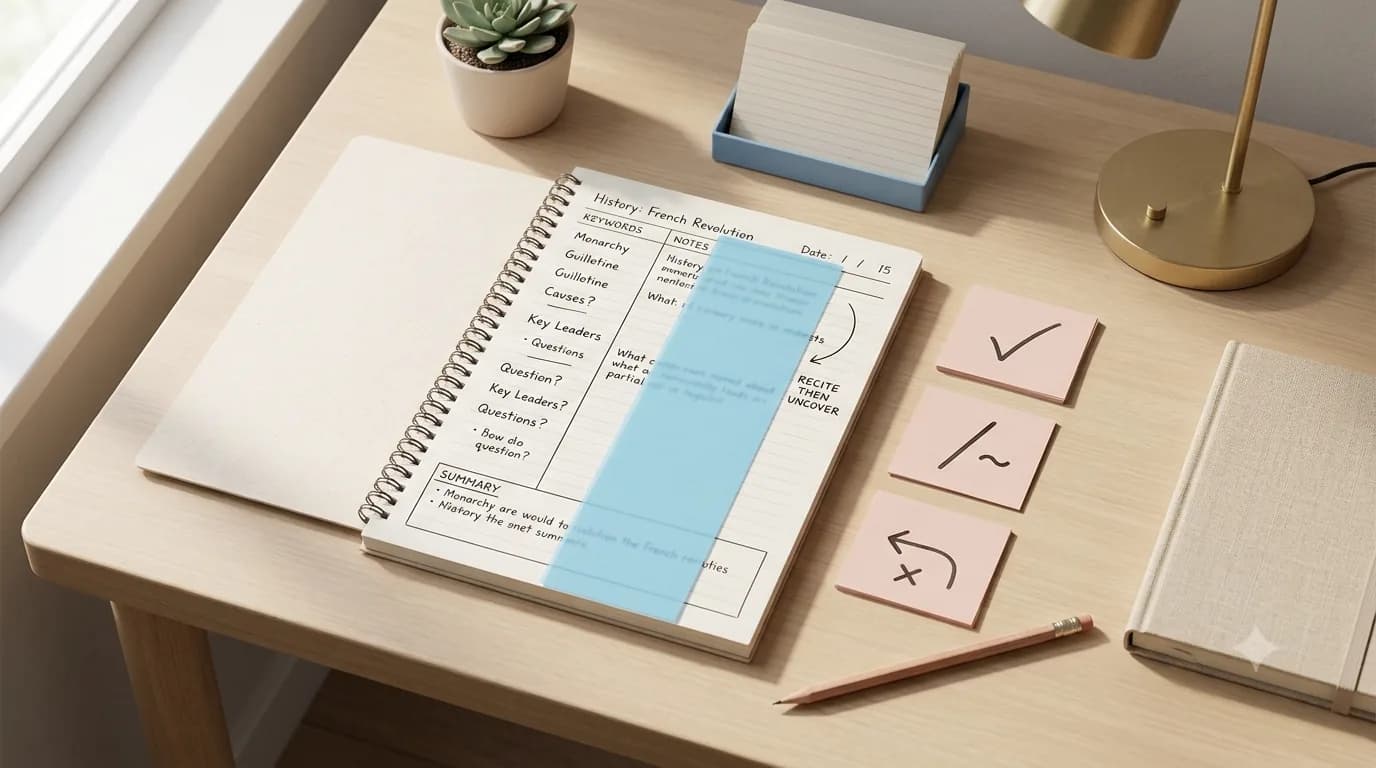
How to Review Cornell Notes: Turn the Cue Column Into a Weekly Study System
Review Cornell notes actively: write better cue questions, cover and recite, mark weak answers, summarize, and build a practical weekly study routine.
Read guide →