Work & Study · Free printable
Free Printable Cornell Notes Template
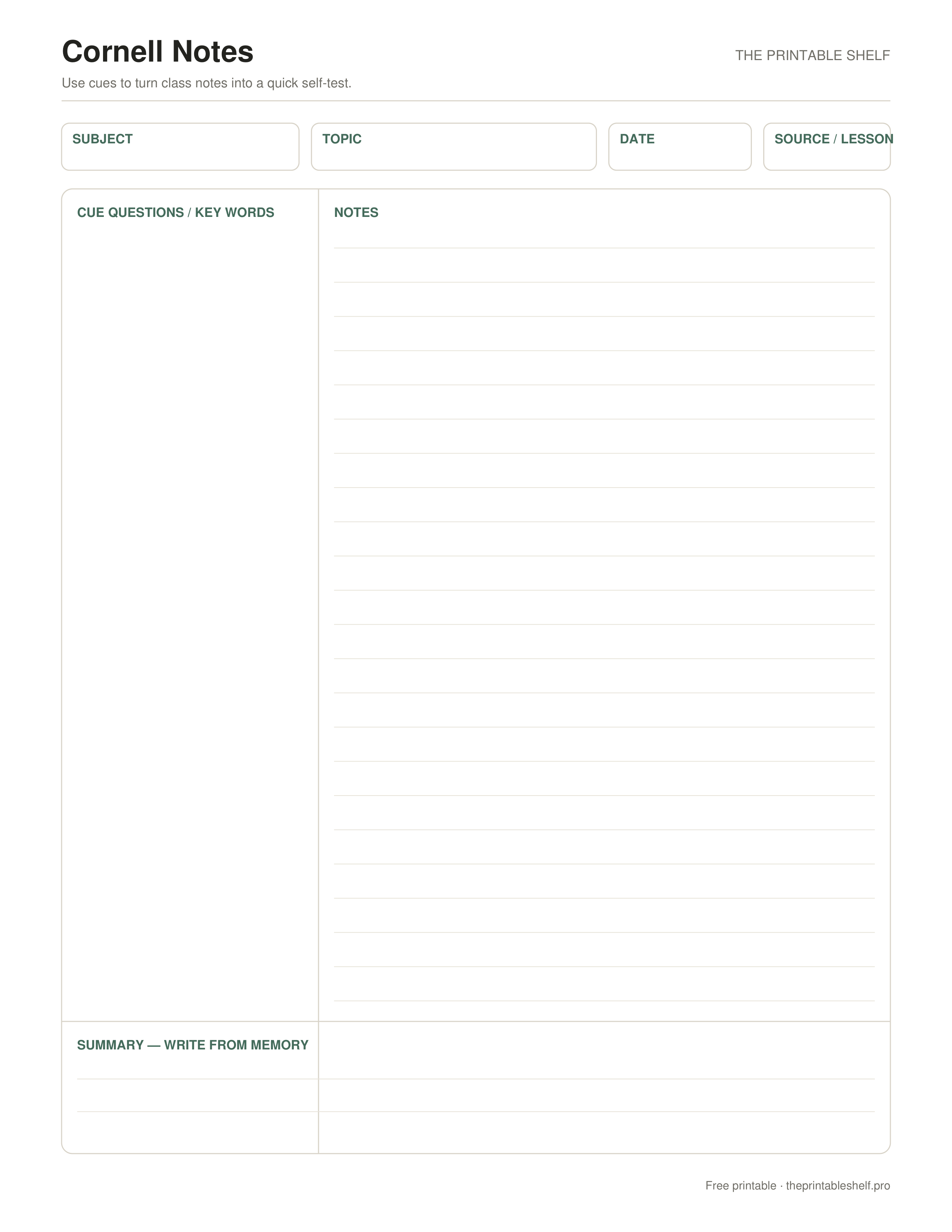
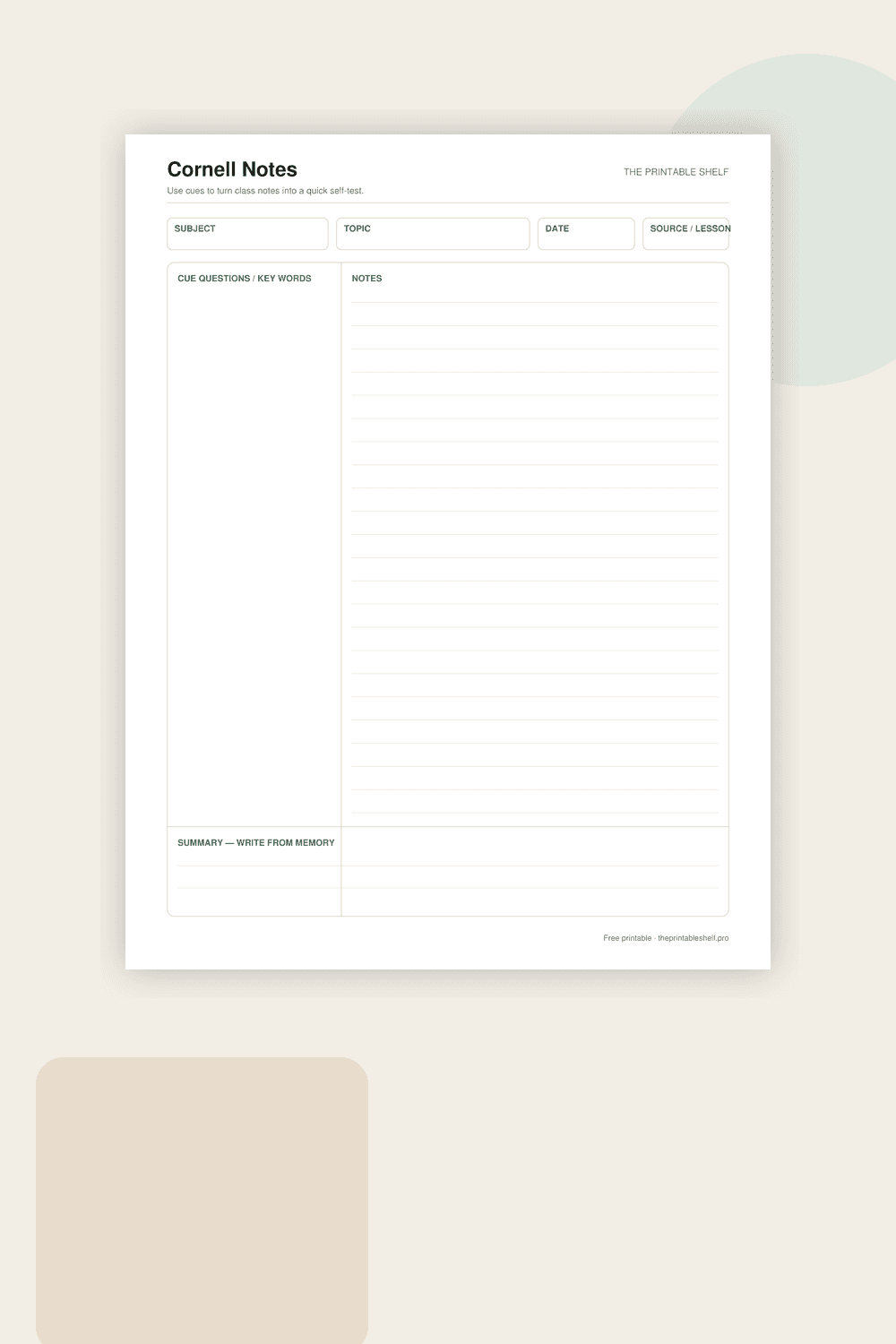
This free Cornell notes template divides one page into a cue column, a larger notes area, and a summary section. Take notes on the right, add questions or key terms on the left afterward, then summarize the page in your own words after class. Download it in Letter, A4, or PNG format.
Edited by Tessa Vaughn · Planning & Organization Editor
Free download
Choose your file size
Print at 100% / Actual Size for the cleanest margins. Pick the paper size your printer normally uses.
No sign-up required · personal/classroom use
What this printable is for
A one-page Cornell note-taking sheet designed for classes, lectures, reading, and self-study. The narrow left column is for cue questions and key words, the wide right side is for the main notes, and the bottom summary box gives you a built-in review step instead of leaving the page as passive notes.
How to use it
Start by filling in the subject, topic, date, and source or lesson at the top. During the lesson or reading, use the wide Notes column for the information you actually need to capture: definitions, examples, steps, diagrams you can sketch quickly, and anything the teacher emphasizes. Do not try to turn every sentence into a transcript. Leaving a little blank space between ideas makes it much easier to add a clarification later.
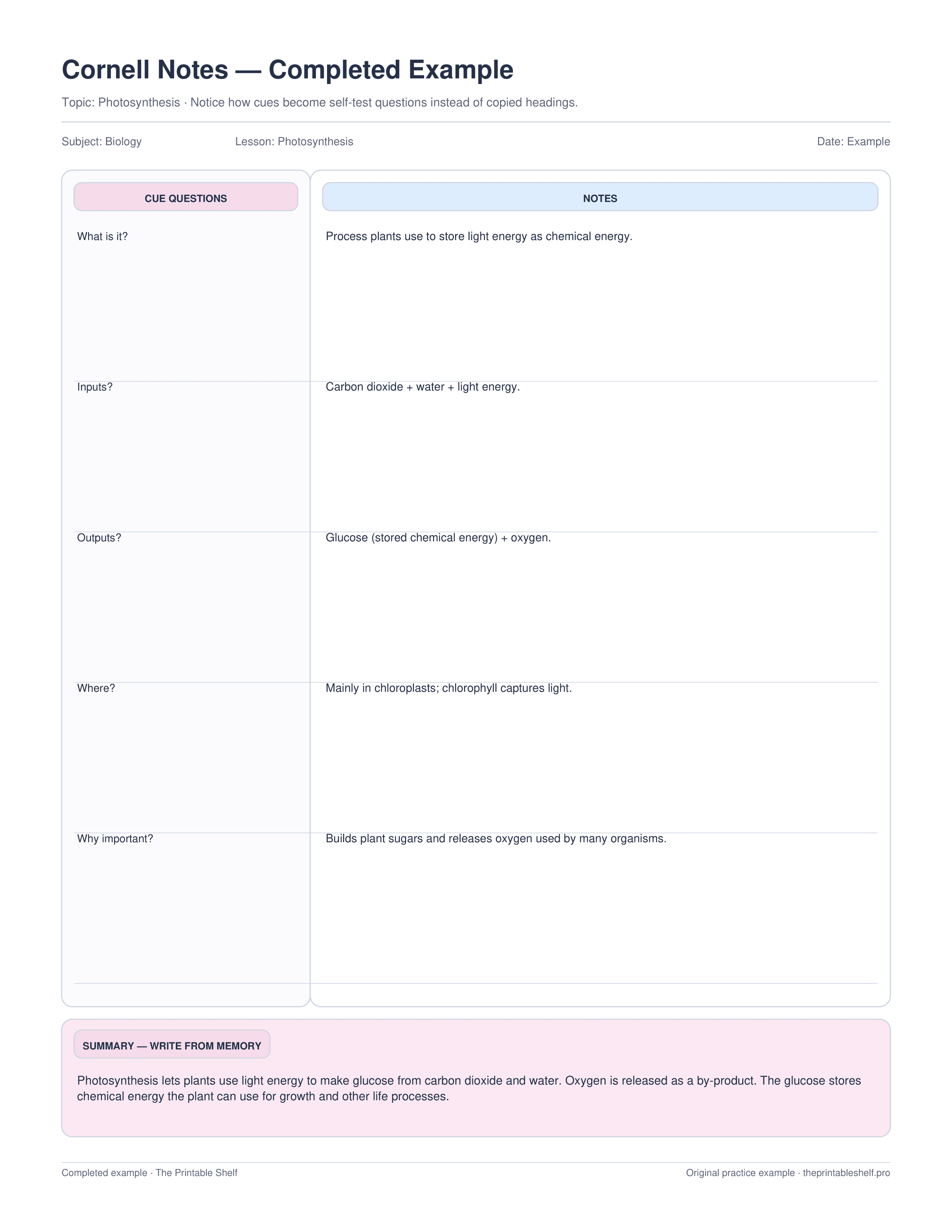
After the lesson, return to the narrow Cue Questions / Key Words column. For each important block of notes, write a question that the notes can answer, or a short cue that forces you to recall the idea. For example, instead of writing only “photosynthesis,” use a cue such as “What goes into and comes out of photosynthesis?” Good cues make the page useful for self-testing rather than simply rereading.
Cover the Notes column and work down the cue side aloud or on scrap paper. Try to answer before looking. When you miss a question, uncover only the small section you need, correct the answer, and mark that cue for another review. This is the part that gives Cornell notes their value: the page becomes a compact retrieval-practice tool instead of a storage place for information.
Finish with the Summary box at the bottom after the note-taking pass. Summarize the main point and the few details needed to make the page accurate and useful for later review. Before a quiz, scan the summary for orientation, then use the cue column to test recall. Print a small stack at the start of a course so the format stays consistent from lesson to lesson.
If you use the sheet digitally, keep the same sequence: notes first, cues second, summary last. The order matters more than the medium. A simple filename such as course-topic-date also makes saved pages much easier to find before an exam.
Also in a free pack
Download this organizer together with related pages when you want one reusable master PDF instead of separate files.
Completed example
See how a finished page can look
See how the blank sheet changes when the cue column is written as self-test questions, the notes stay concise, and the summary is written as a short explanation instead of copied facts.
Best uses for this template
Ways to use it
Capture first, cue later
Use the wide notes area during class or reading, then turn the most important ideas into questions or cue words after the main information is on the page.
Build active-recall prompts
Cover the notes column and answer from the cue column before checking. Rewrite vague headings as questions when they do not trigger a useful response.
Run a weekly review
Scan summaries, test the cues you marked weak, and spend less time on material you can already retrieve accurately without looking.
Common mistakes to avoid
Trying to transcribe everything
Record the main ideas, examples, relationships, and details you will need later instead of chasing every spoken or printed sentence.
Using the cue column as a second notes column
Turn headings and key ideas into prompts that can actually test recall or explanation.
Copying a sentence into the summary box
Write a short explanation of what the page is mainly about and how its important ideas connect.
Classroom fit
Suggested grades, use modes & standards
Suggested grade bands
These are practical use ranges, not hard limits. Text complexity and the amount of teacher modeling matter more than the worksheet alone.
Good fit for
Scaffold level: Standard.
Common Core crosswalk
No narrow standards code is listed for this general-purpose template. Use it where the thinking task fits your local curriculum.
Frequently asked questions
What size is the Cornell notes printable?
There are separate US Letter and A4 PDF files, plus a high-resolution PNG version.
When should I fill in the cue column?
Take the main notes first. Add cue questions or key words soon afterward, when you can turn the material into useful self-test prompts.
Can I use this template for reading notes?
Yes. Put chapter or source details at the top, take notes on the right, then turn the most important ideas into questions on the left.
Helpful guides
See where this organizer fits, when a different layout works better, and how to turn the completed page into a useful next step.
10 Free Graphic Organizers for Reading, Writing, and Studying
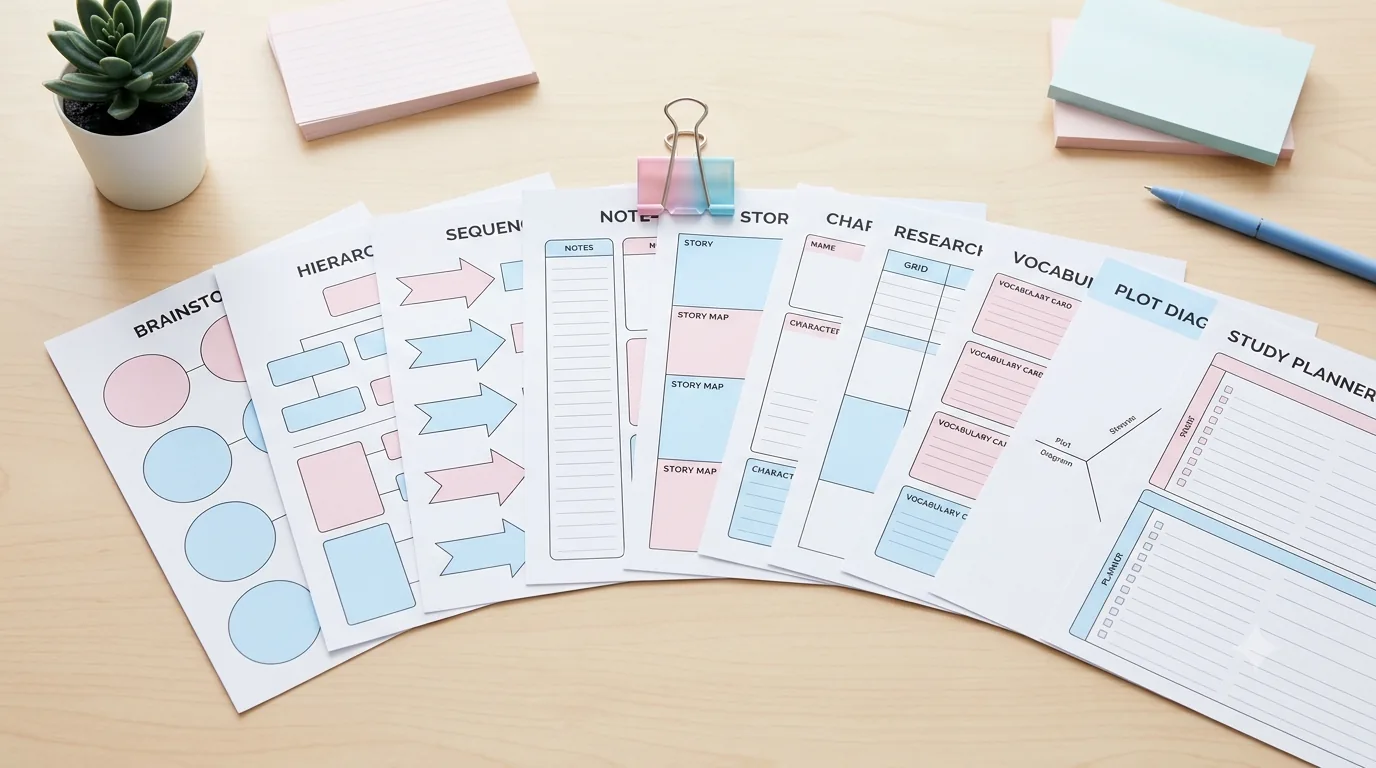
Download 10 free graphic organizers for reading, writing, comparison, vocabulary, sequencing, and study. Includes a guide to choosing the right one.
Read guide →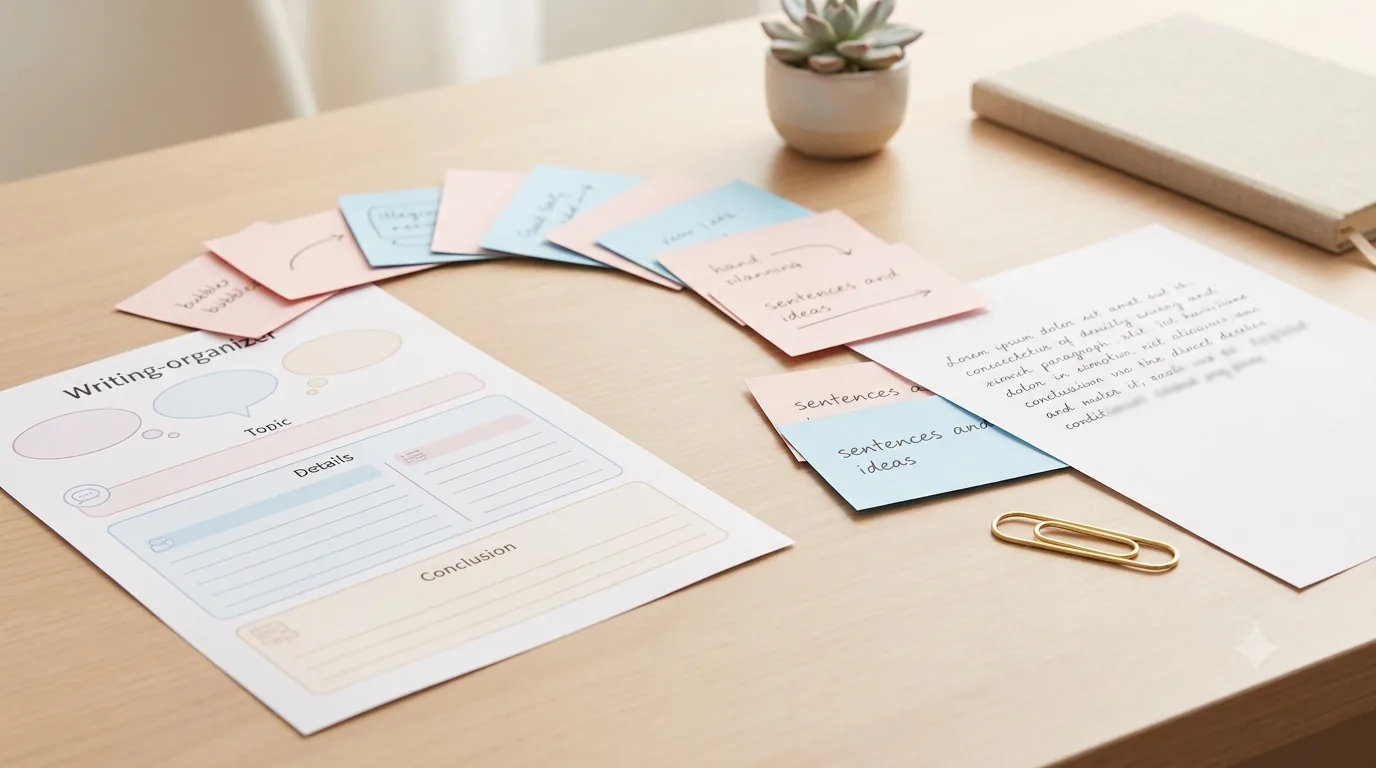
Free Writing Graphic Organizers: Which One to Use and When
Use free writing graphic organizers to plan ideas, structure paragraphs, compare evidence, sequence steps, and organize explanations before drafting.
Read guide →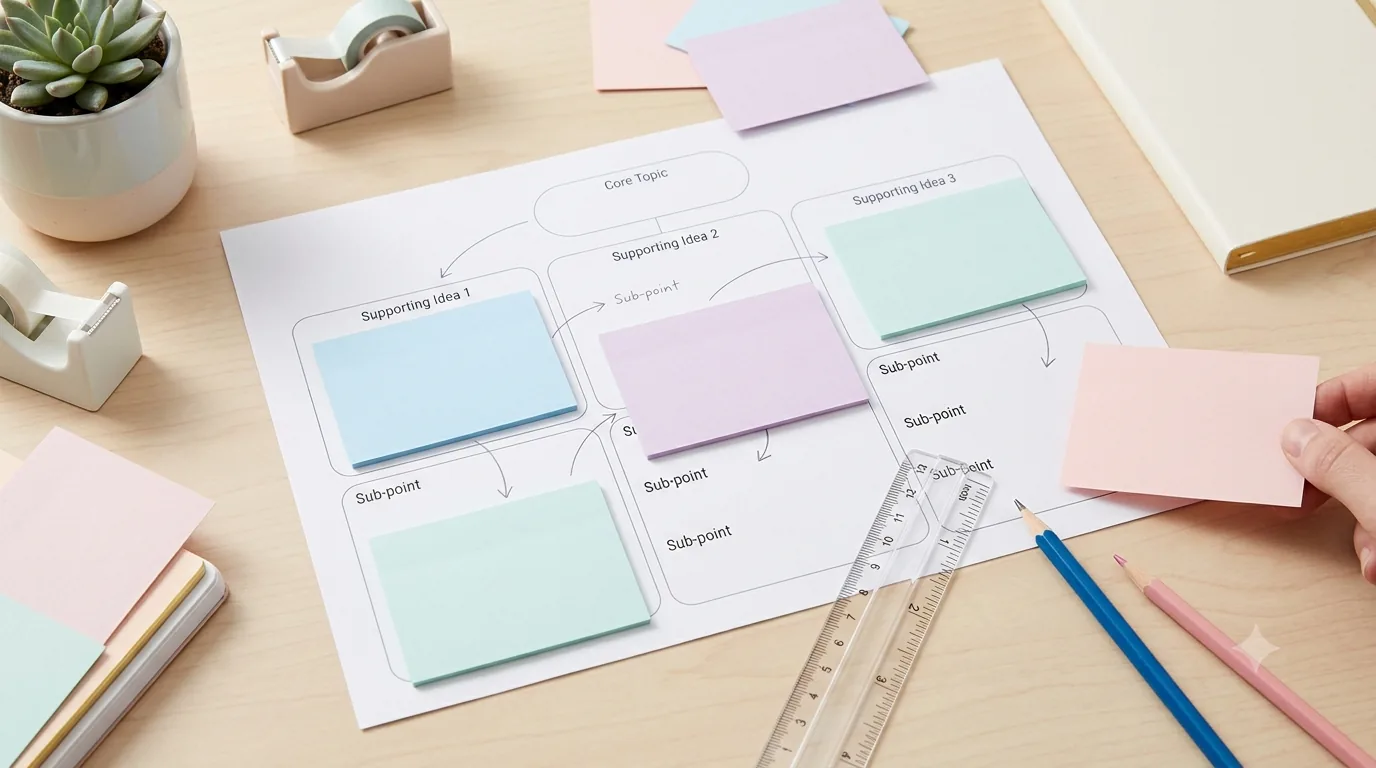
How to Use Graphic Organizers Effectively (Without Turning Them Into Busywork)
Learn how to choose, model, scaffold, and reuse graphic organizers so students think with them instead of simply filling in boxes.
Read guide →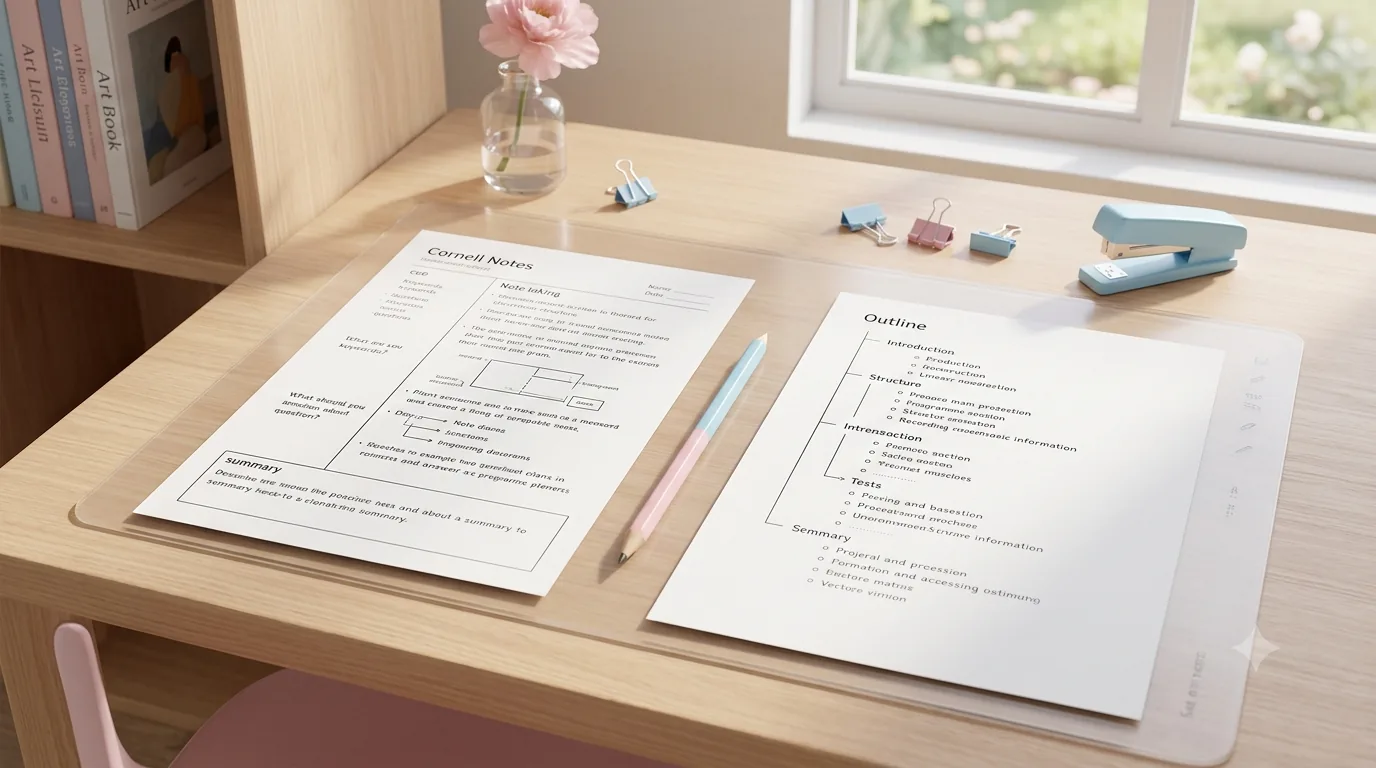
Cornell Notes vs. Outline Method: Which Is Better for Studying?
Compare Cornell notes with the outline method for lectures, textbooks, studying, review, and self-testing, then choose the format that fits the task.
Read guide →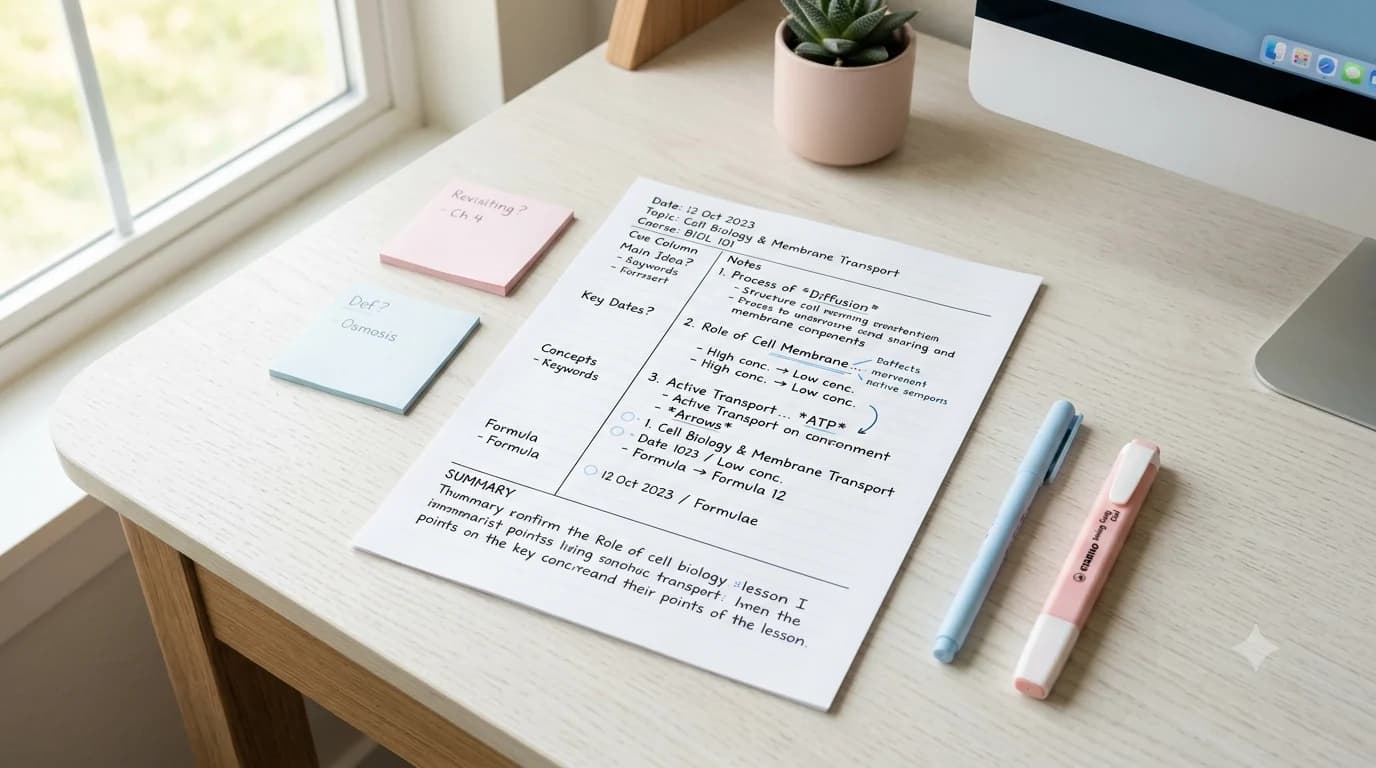
7 Cornell Notes Mistakes That Make the Method Less Useful
Fix seven common Cornell Notes mistakes, from empty cue columns to passive rereading, and turn each page into a practical study tool.
Read guide →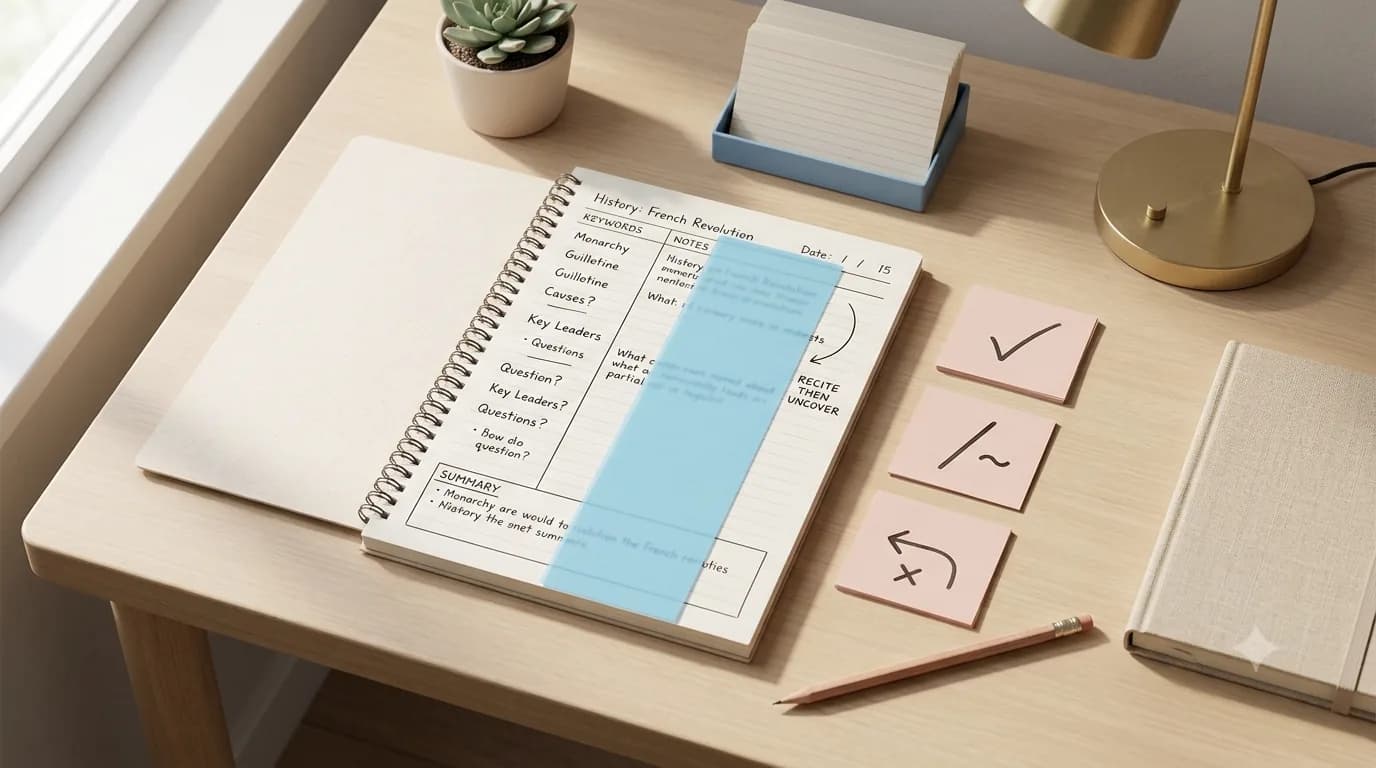
How to Review Cornell Notes: Turn the Cue Column Into a Weekly Study System
Review Cornell notes actively: write better cue questions, cover and recite, mark weak answers, summarize, and build a practical weekly study routine.
Read guide →Keep organizing
You might also like
Free printable
Printable KWL Chart
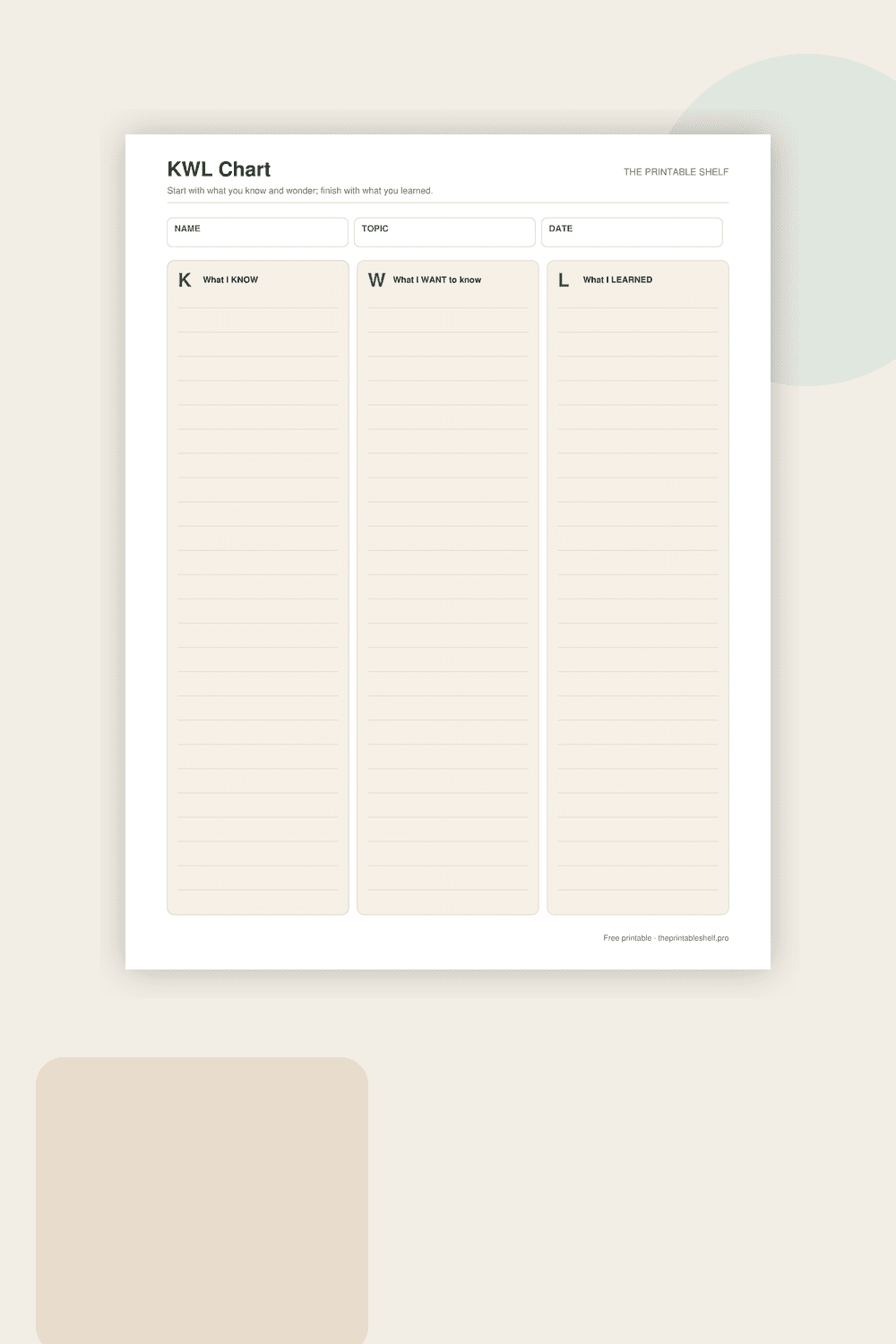
A three-column learning organizer for activating prior knowledge and making questions visible before a lesson begins. The K column records what the learner thinks they know, W captures questions or wonderings, and L is completed afterward with new information, corrections, and answers discovered during learning.
Free printable
Printable Frayer Model Vocabulary Template
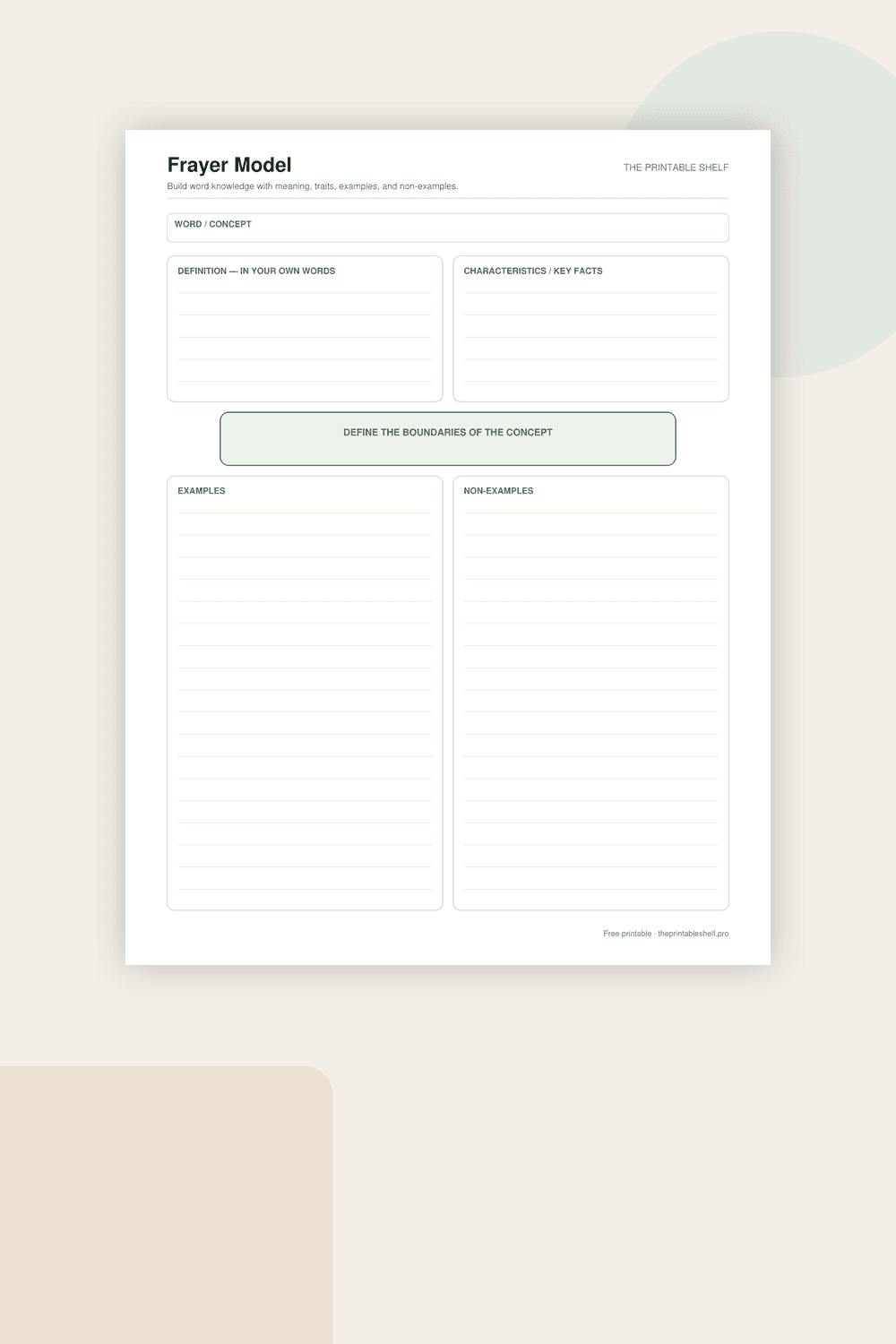
A classic four-part vocabulary and concept organizer upgraded from the site's older vocabulary map. Instead of stopping at a copied definition, the page asks for defining traits, clear examples, and deliberate non-examples, which helps learners distinguish what belongs to a concept from what only looks similar.
Free printable
Four-Square Writing Organizer Printable
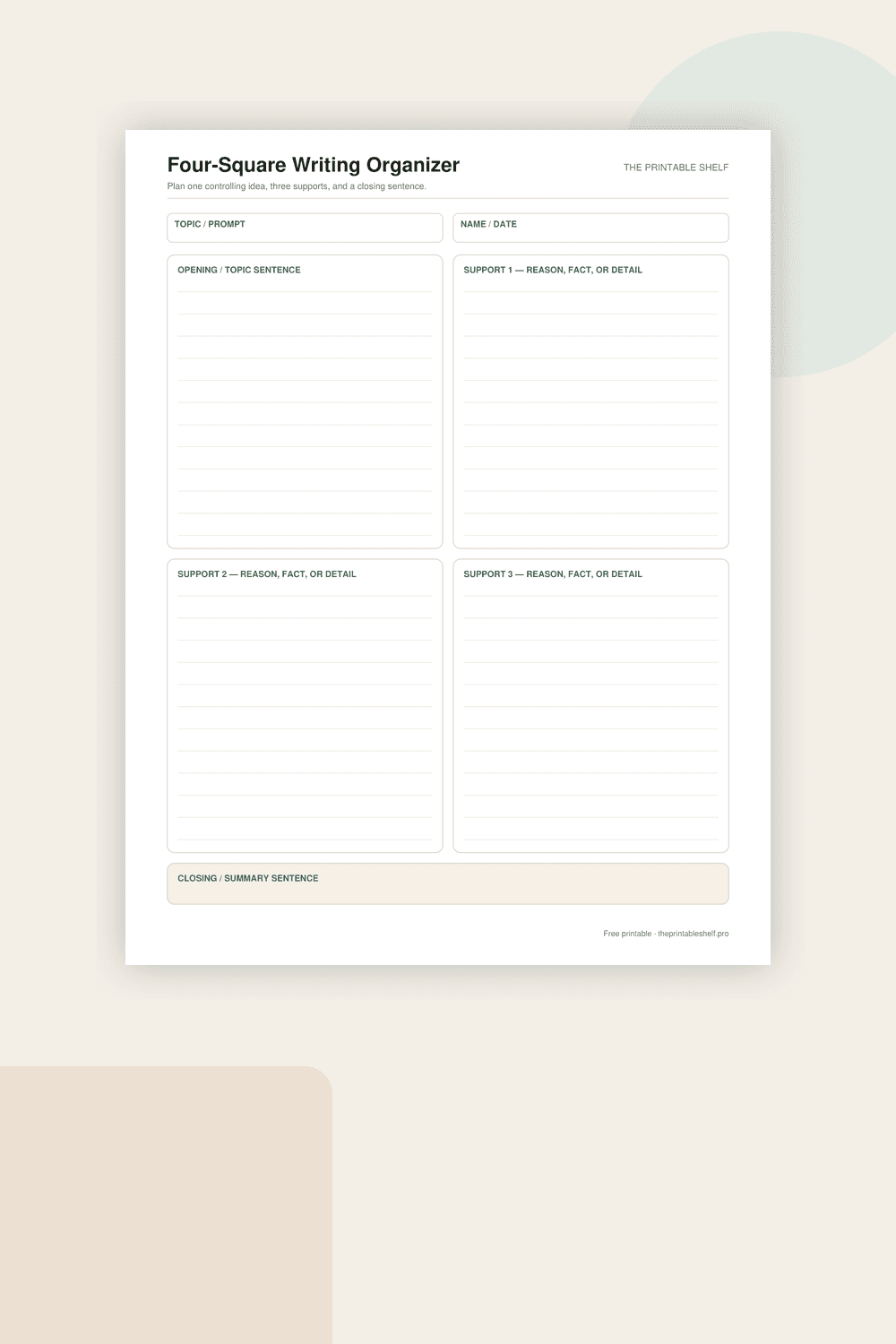
A practical four-box prewriting page based on the familiar four-square structure, simplified for clean one-page planning. The layout separates the controlling idea from three supporting points and adds a dedicated closing area so the writer can test whether the paragraph has a beginning, development, and purposeful ending before drafting.