Work & Study · Free printable
Free Four-Square Writing Organizer Printable
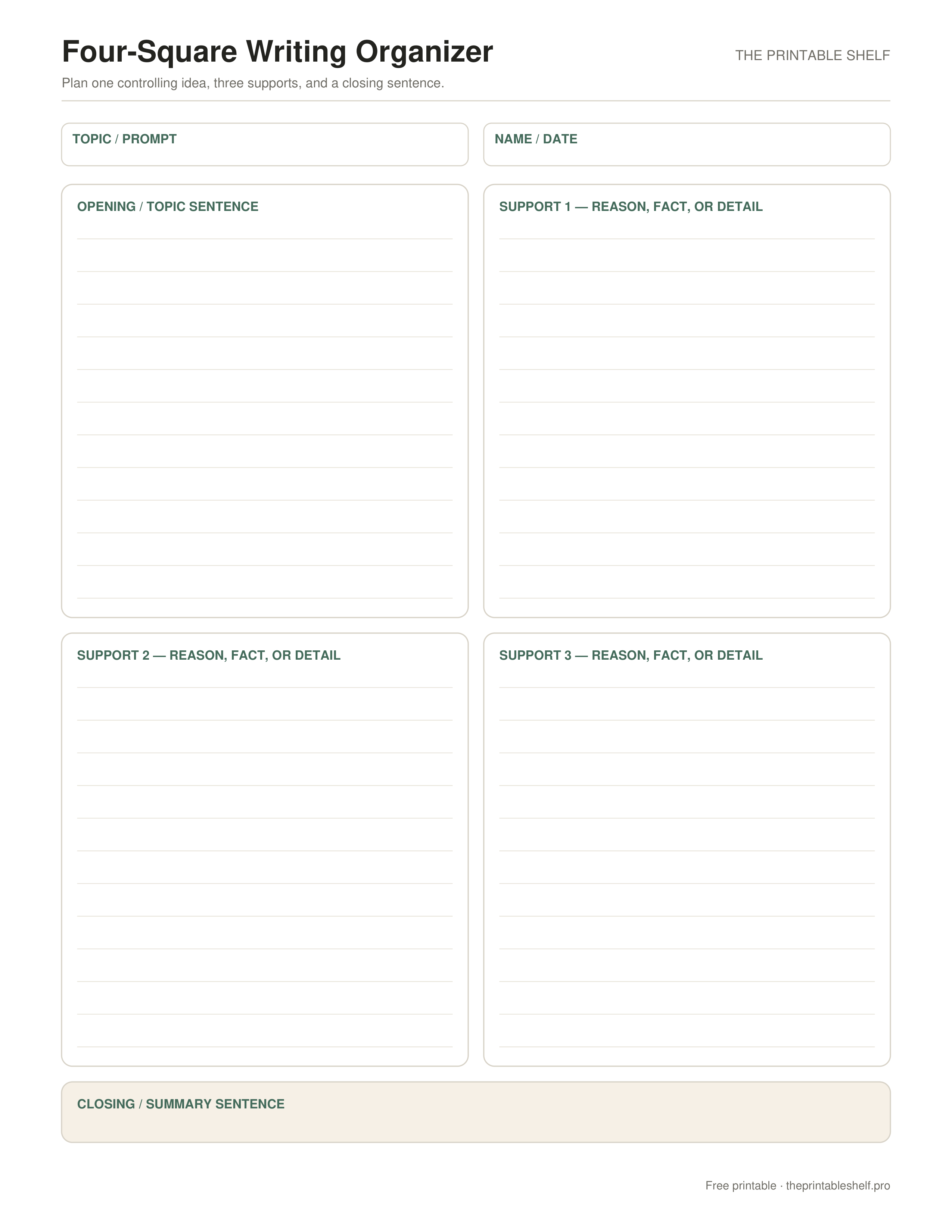
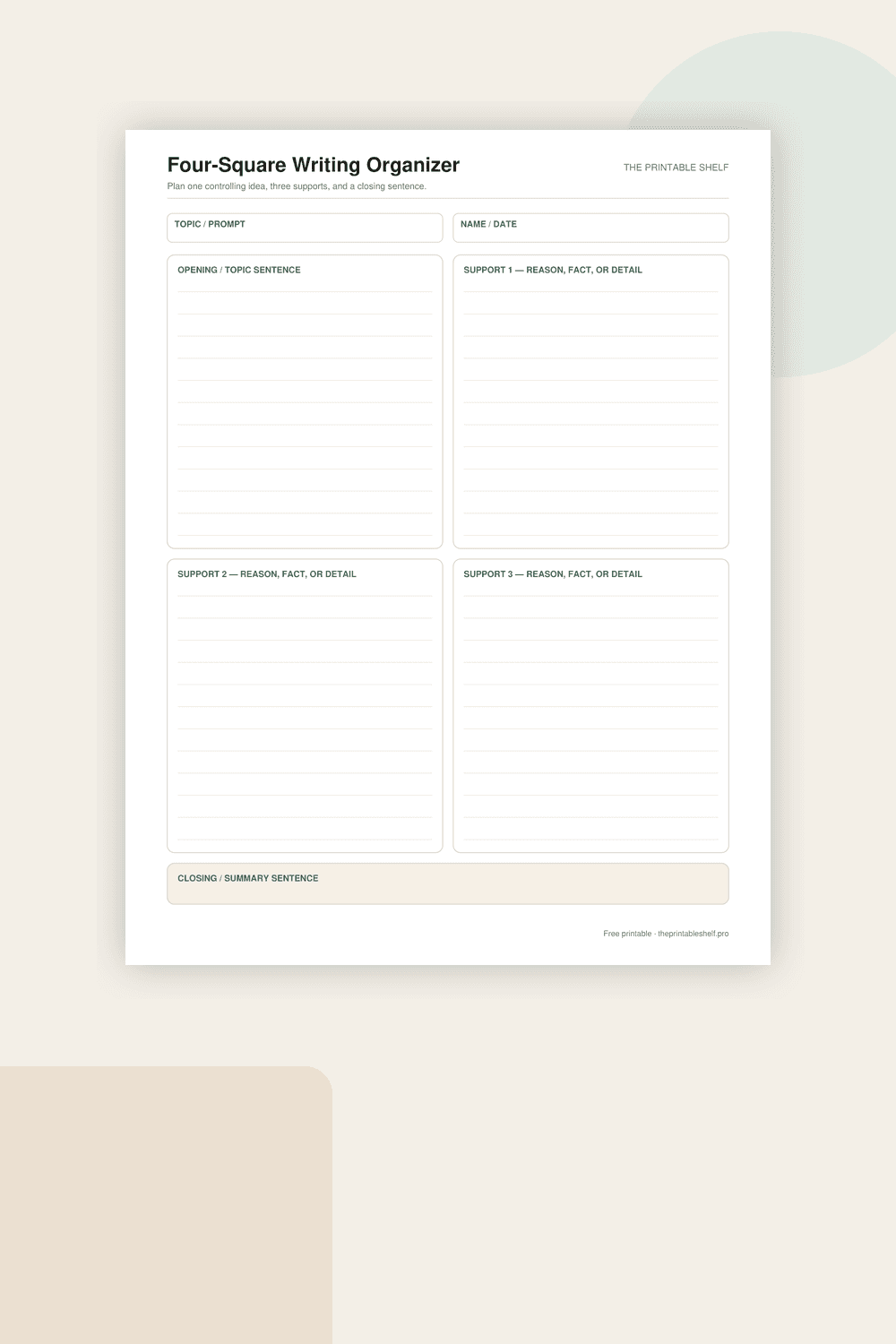
This free four-square writing organizer helps plan a focused paragraph before drafting. One box holds the opening or topic sentence, three boxes collect supporting reasons, facts, or details, and a final strip is reserved for the closing sentence. Download it in Letter, A4, or PNG format.
Edited by Tessa Vaughn · Planning & Organization Editor
Free download
Choose your file size
Print at 100% / Actual Size for the cleanest margins. Pick the paper size your printer normally uses.
No sign-up required · personal/classroom use
What this printable is for
A practical four-box prewriting page based on the familiar four-square structure, simplified for clean one-page planning. The layout separates the controlling idea from three supporting points and adds a dedicated closing area so the writer can test whether the paragraph has a beginning, development, and purposeful ending before drafting.
How to use it
Start with the Topic / Prompt field and decide what the paragraph needs to do: explain, describe, argue, or tell. Then draft a clear opening or topic sentence in the first square. It should state the controlling idea strongly enough that the three support boxes can connect back to it. If the sentence is so broad that almost any detail could fit, narrow it before moving on.
Use the three support squares for reasons, facts, examples, events, or details that develop the central idea. Give each square one job instead of scattering unrelated notes across all four boxes. For an opinion paragraph, each support box might hold one reason plus evidence. For informational writing, the boxes might hold three key facts or subtopics. For narrative planning, they can hold three important moments that develop the same focus.
Check the balance of the supports you plan to use. If two boxes repeat the same point, combine them and look for a genuinely different support only if the task needs one. If one point is much stronger than the others, use fewer well-developed supports rather than padding the paragraph with a weak extra point. The template gives you three spaces, but good writing matters more than filling every area just because it is printed on the page.
Write a closing or summary sentence in the bottom strip after the supports are planned. The closing should connect back to the opening without copying it word for word. For explanatory writing, state what the details show. For opinion writing, reinforce the position. For narrative writing, use the closing to show the result or significance of the events. Reading the opening and closing together is a quick way to test whether the paragraph stayed focused.
Before drafting, number the support boxes in the order that will make the paragraph easiest to follow. You do not have to write them in the visual order of the page. Add transition words only after the logic is clear; transitions cannot fix ideas that are out of sequence. When a student is ready for a multi-paragraph essay, print one sheet per body paragraph or move to a larger outline rather than trying to squeeze an entire essay into one four-square page.
Customize instead
Need a different title, paper size, or orientation? →
Use the free Graphic Organizer Maker to build a custom Venn, KWL, Frayer, story map, T-chart, main-idea, sequence, or cause-and-effect page.
Also in a free pack
Download this organizer together with related pages when you want one reusable master PDF instead of separate files.
Best uses for this template
Ways to use it
Plan one focused paragraph
Put the central idea in the middle, use surrounding spaces for distinct supporting points, and decide how the points will connect before drafting.
Expand supporting details
Add evidence, examples, reasons, or explanations under each support so the draft has substance rather than four disconnected labels.
Move into a real draft
Use the organizer as a planning map, then write sentences and transitions on separate writing paper instead of treating filled boxes as the finished composition.
Common mistakes to avoid
Making every square say the same thing
Give each support a distinct job or reason that contributes something new to the central idea.
Treating the boxes as the final paragraph
Draft afterward so ideas can be connected, expanded, reordered, and revised in normal prose.
Forcing every support box to be filled
Prioritize relevant evidence over filling space. Use the layout as a scaffold, not a rule about how many ideas a paragraph must contain.
Classroom fit
Suggested grades, use modes & standards
Suggested grade bands
These are practical use ranges, not hard limits. Text complexity and the amount of teacher modeling matter more than the worksheet alone.
Good fit for
Scaffold level: Standard.
Common Core crosswalk
No narrow standards code is listed for this general-purpose template. Use it where the thinking task fits your local curriculum.
Frequently asked questions
What is a four-square writing organizer used for?
It is a prewriting tool that helps organize one controlling idea, supporting details, and a closing before drafting a paragraph or longer response.
Do I need to fill all three support boxes?
No. Use the number of strong supports the task needs. Fewer well-developed points are better than adding a weak extra point just to fill space.
Can I use this for opinion and informational writing?
Yes. The support boxes can hold reasons and evidence for opinion writing or facts and subtopics for informational writing.
Helpful guides
See where this organizer fits, when a different layout works better, and how to turn the completed page into a useful next step.
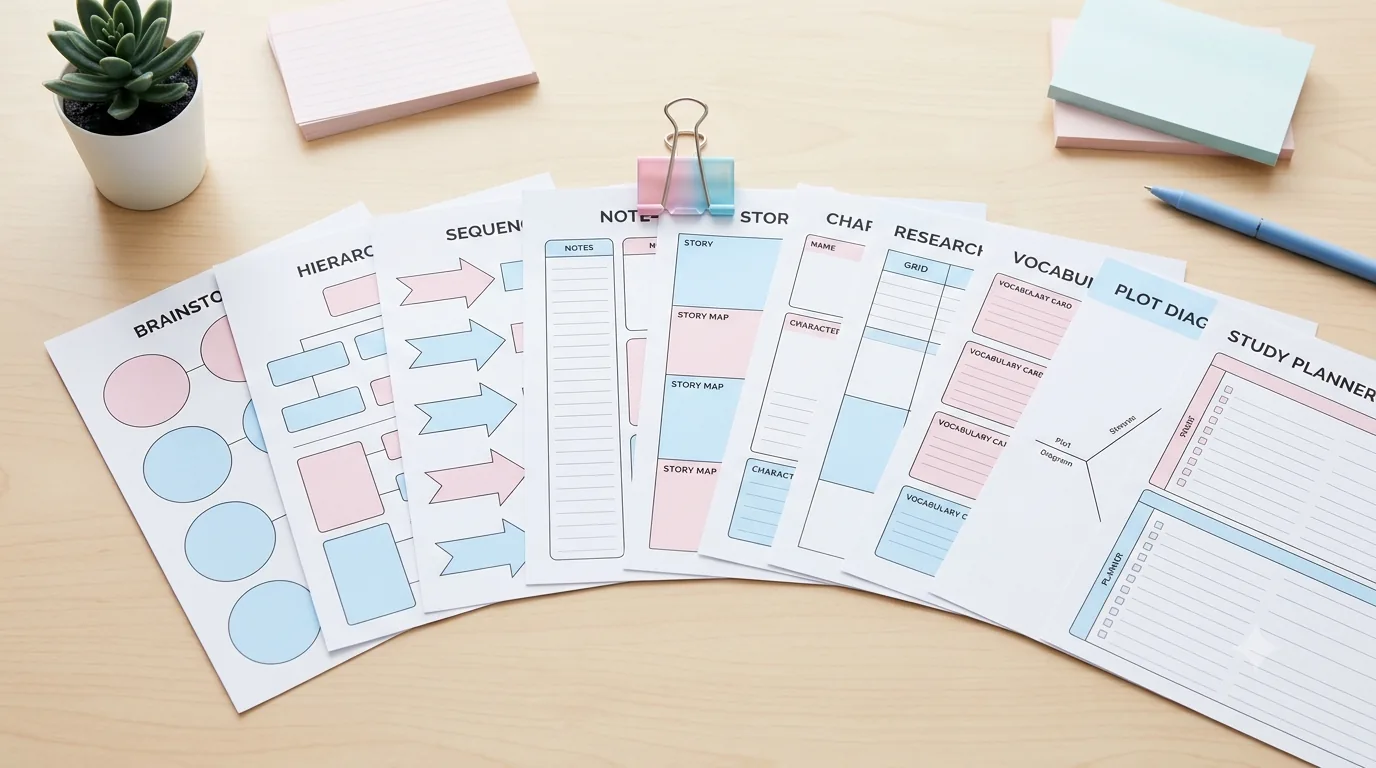
10 Free Graphic Organizers for Reading, Writing, and Studying
Download 10 free graphic organizers for reading, writing, comparison, vocabulary, sequencing, and study. Includes a guide to choosing the right one.
Read guide →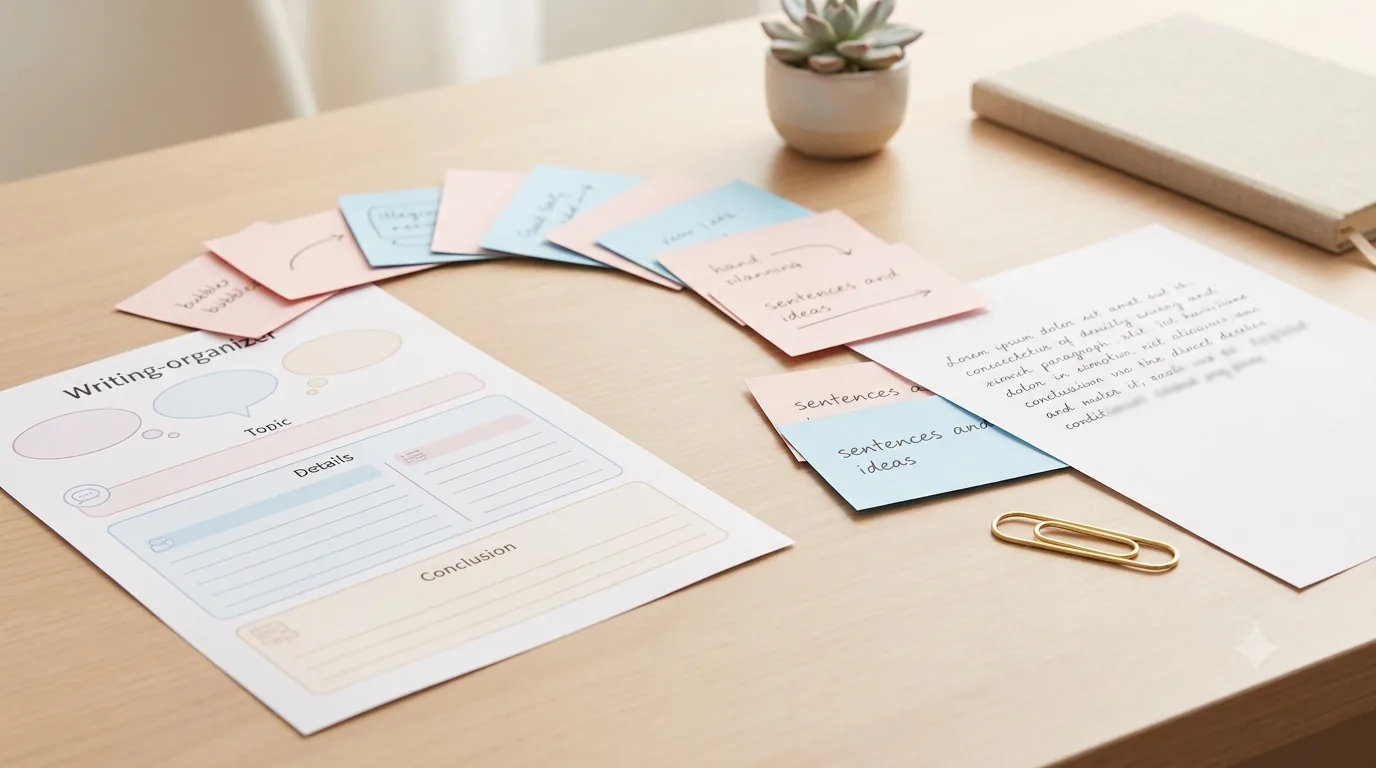
Free Writing Graphic Organizers: Which One to Use and When
Use free writing graphic organizers to plan ideas, structure paragraphs, compare evidence, sequence steps, and organize explanations before drafting.
Read guide →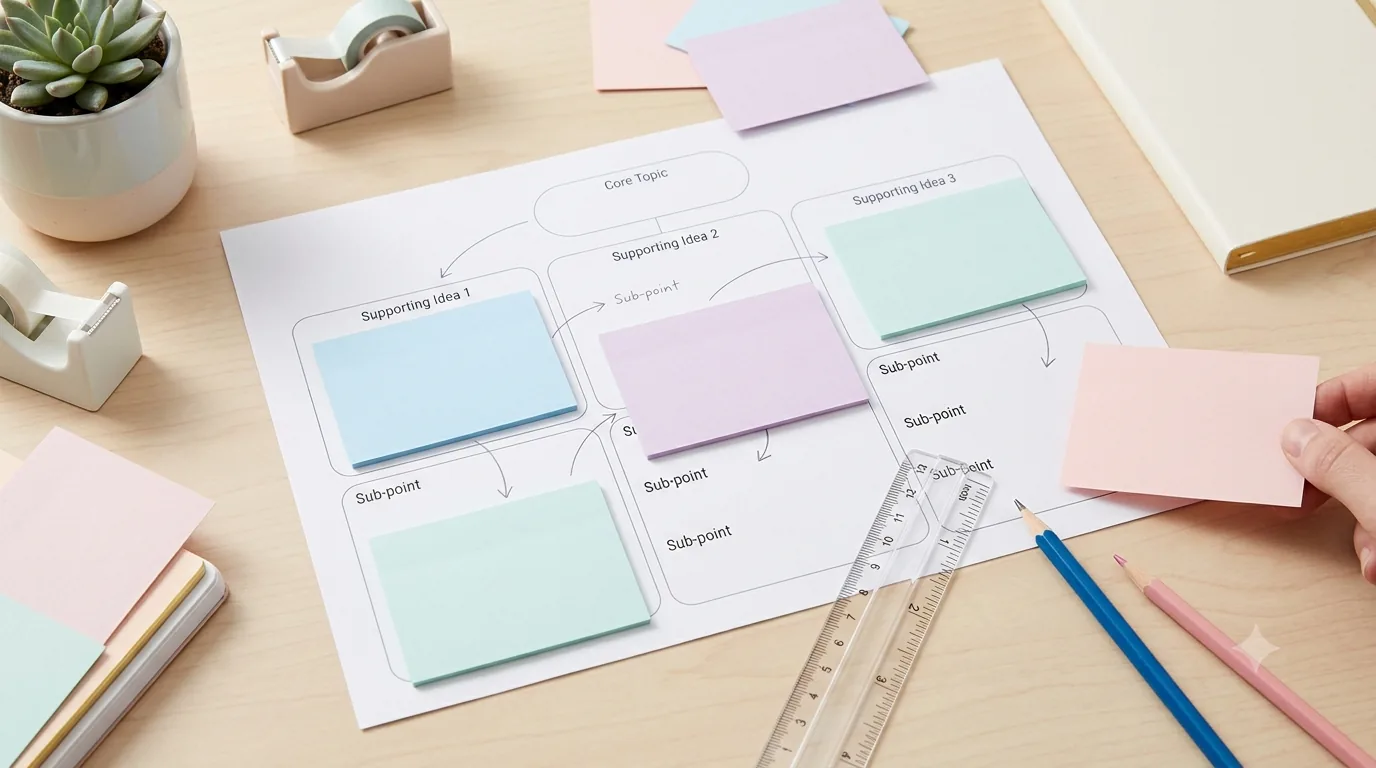
How to Use Graphic Organizers Effectively (Without Turning Them Into Busywork)
Learn how to choose, model, scaffold, and reuse graphic organizers so students think with them instead of simply filling in boxes.
Read guide →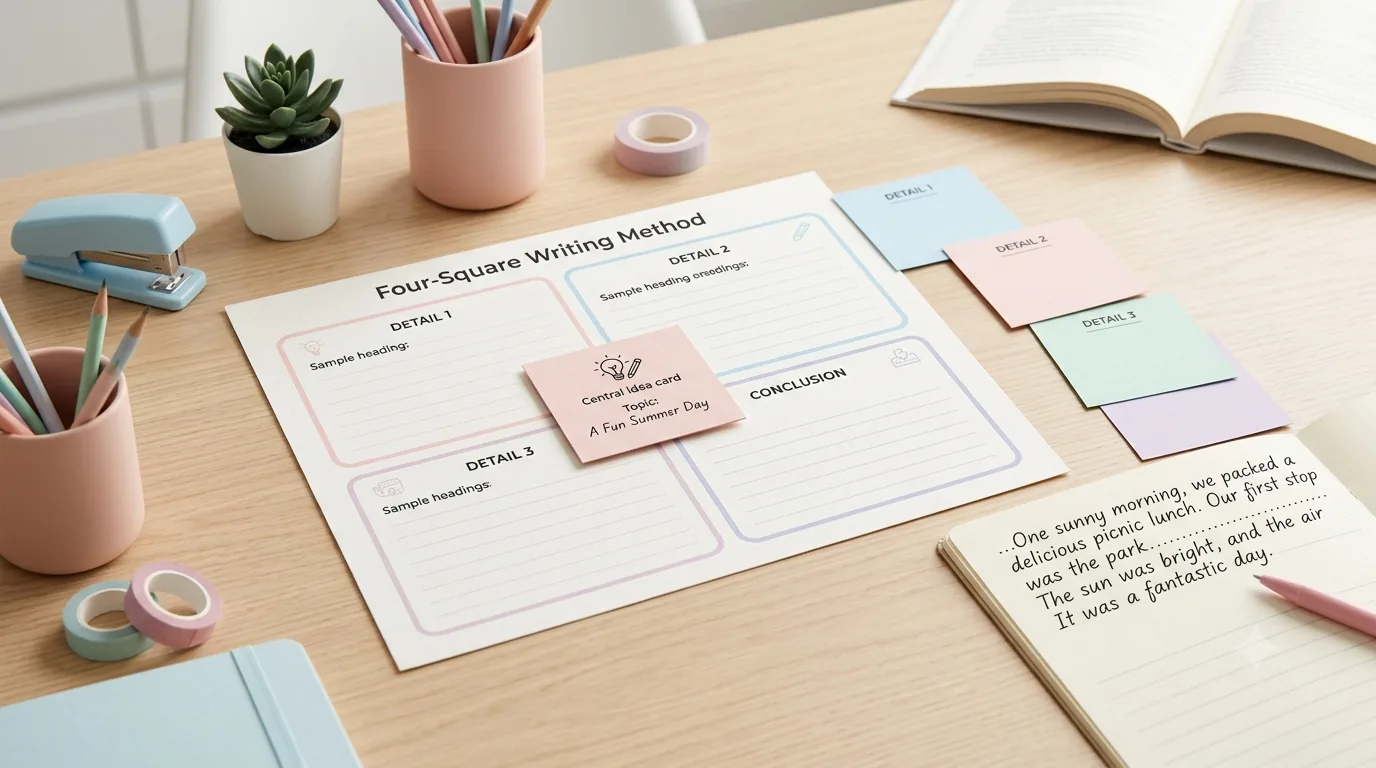
How to Use the Four-Square Writing Method to Plan a Paragraph
Learn how to use the four-square writing method to plan a focused paragraph, choose strong supports, and turn the organizer into a draft.
Read guide →Keep organizing
You might also like
Free printable
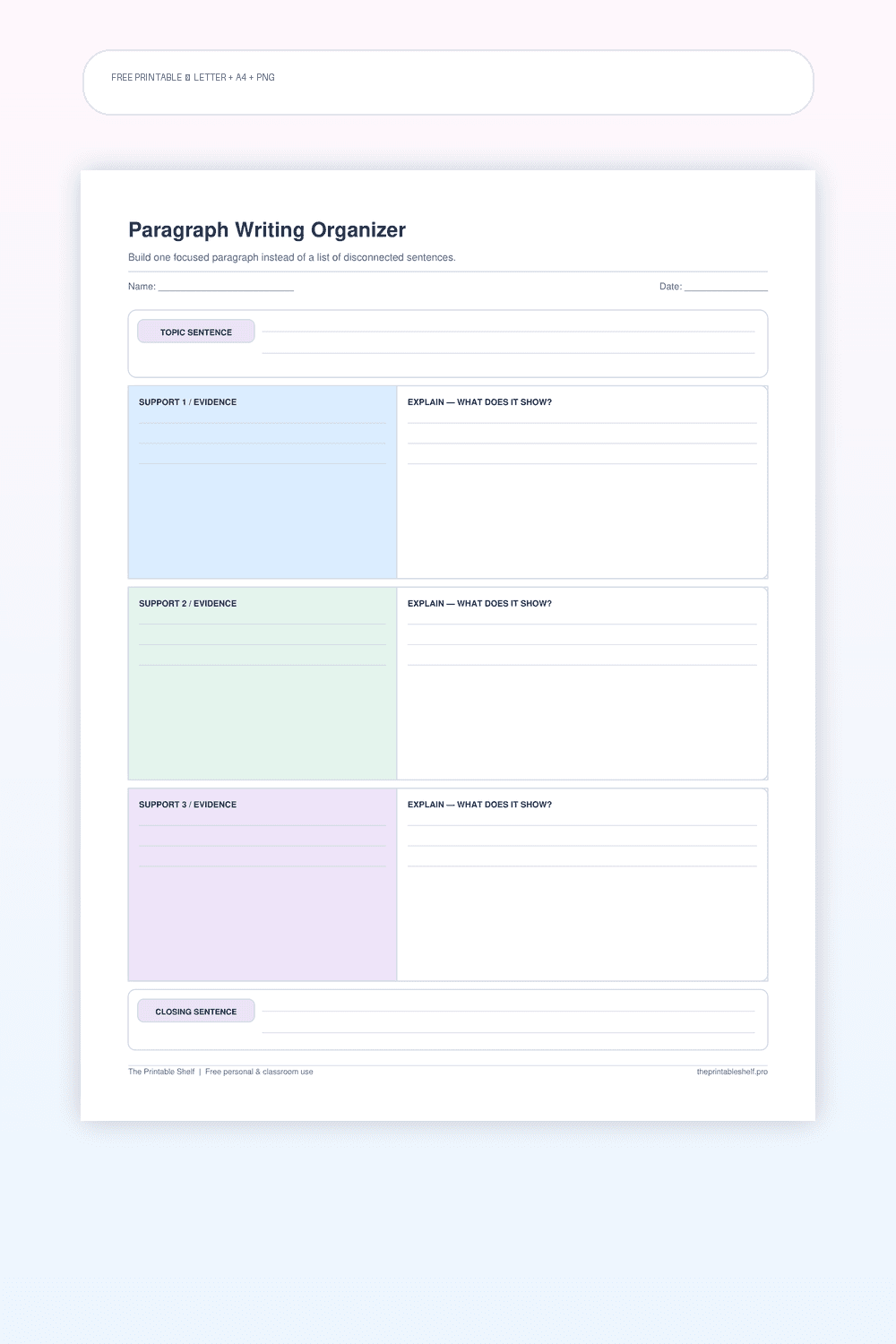
Paragraph Writing Graphic Organizer
A structured single-paragraph planner that separates the job of each sentence group: establish the controlling idea, support it with relevant points, explain those points, and close without introducing a new topic. The layout borrows the clarity of a hamburger-style organizer but avoids treating paragraph writing as a rigid five-sentence formula when a supporting idea needs more than one sentence.
Free printable
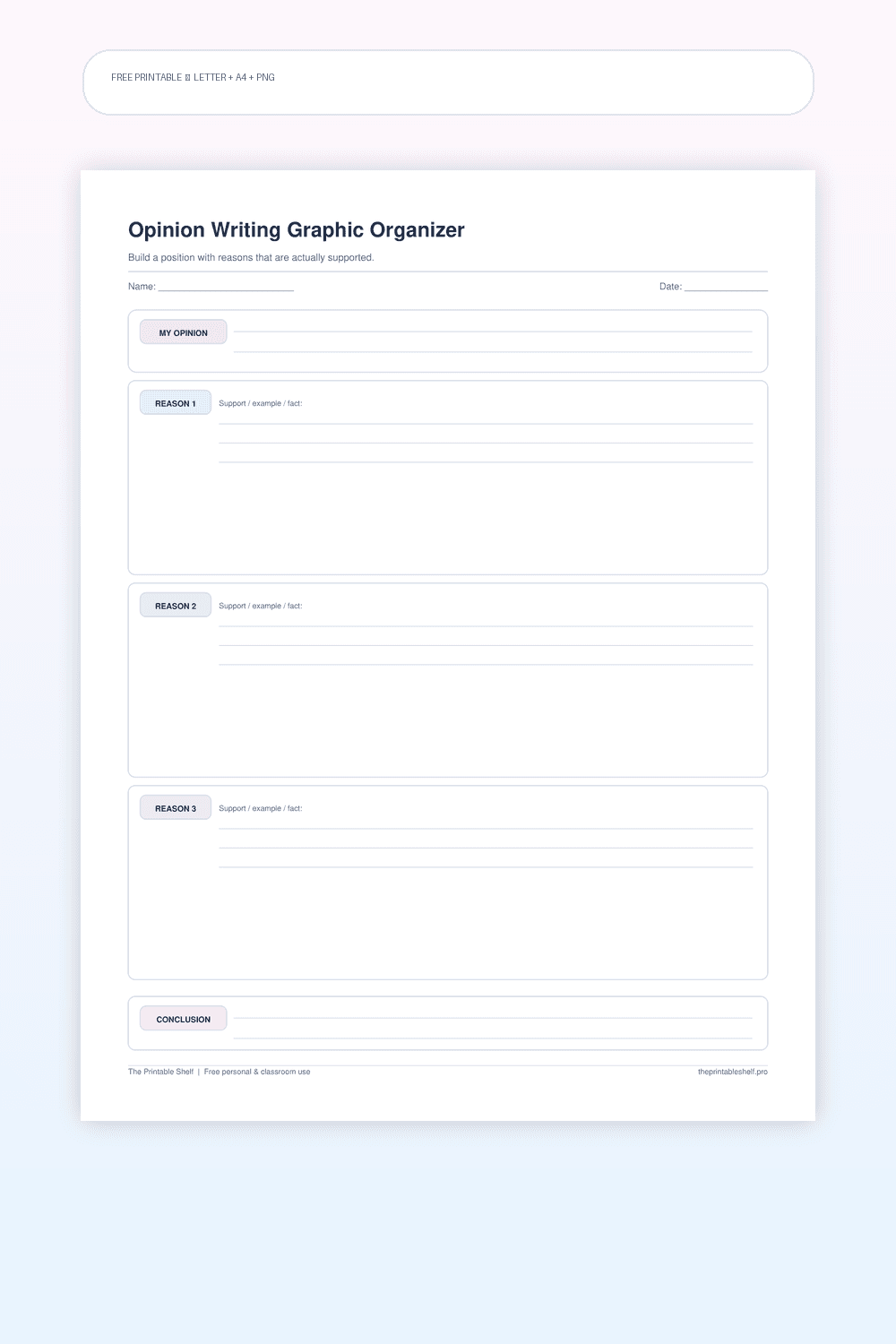
Opinion Writing Graphic Organizer
A structured prewriting page for opinion and early argument writing. It goes beyond the familiar opinion-plus-three-reasons worksheet by prompting the writer to support each reason and check whether every reason actually strengthens the same position. The result is a clearer bridge from brainstorming to a draft.
Free printable
Informational Writing Graphic Organizer
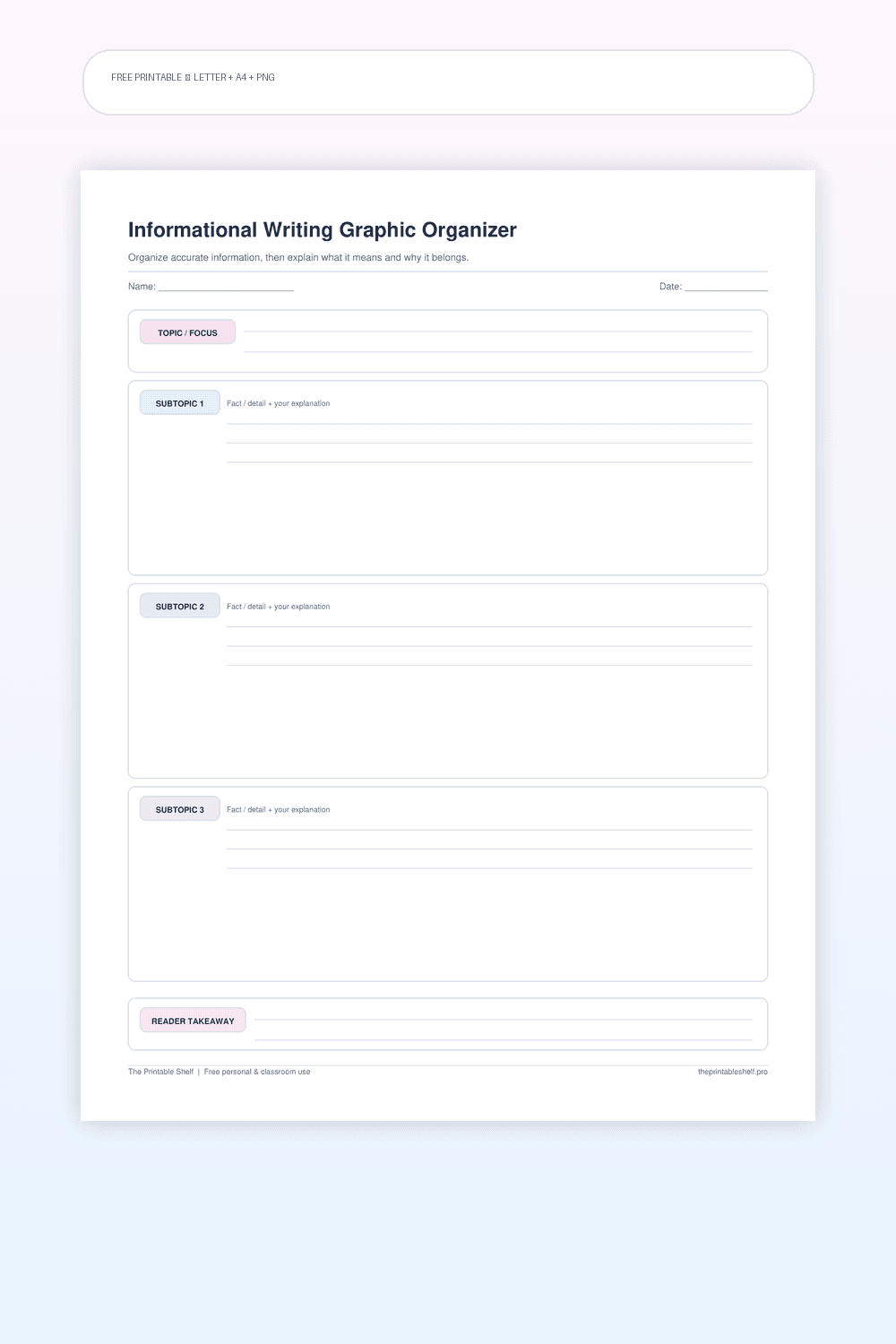
A one-page planning sheet for explanatory and informational writing. It is designed to keep fact collection separate from explanation, because a strong informational paragraph does more than stack facts. The writer chooses a focused topic, groups the most useful information, and identifies the takeaway before drafting.